The Copy Document feature lets you create a new sales or purchase document by copying information from an Existing or Posted Document. It saves time on repeated transactions and reduces data entry errors. For more on purchase documents, see Record purchases with purchase invoices on Microsoft Learn.
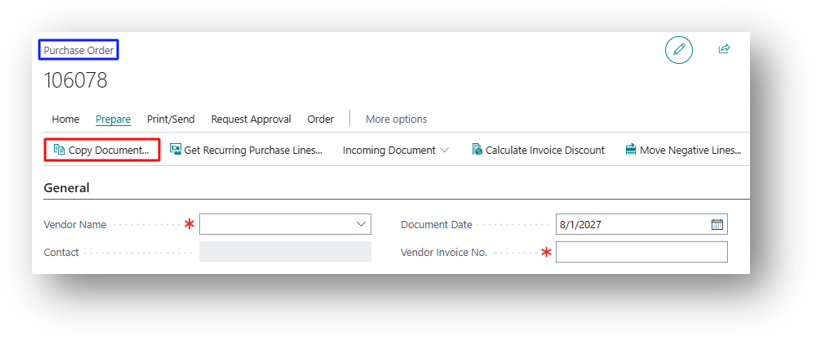
Where to Find Copy Document
The action is available on sales and purchase documents such as Quotes, Orders, Invoices, Return Orders, and Credit Memos. Open the New Document and choose the Copy Document Action.
Fields on the Copy Document Page
Let’s discuss the fields of this feature:
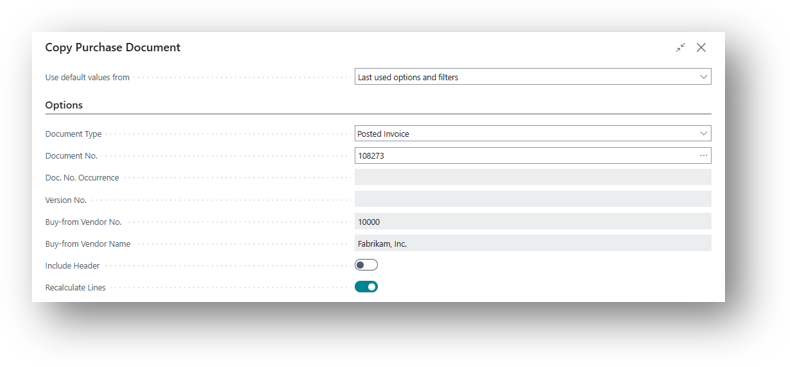
- Document Type: The Type of Source Document, for example Order, Invoice, Posted Receipt, or Posted Invoice. Note that you can copy from 14 different sources.
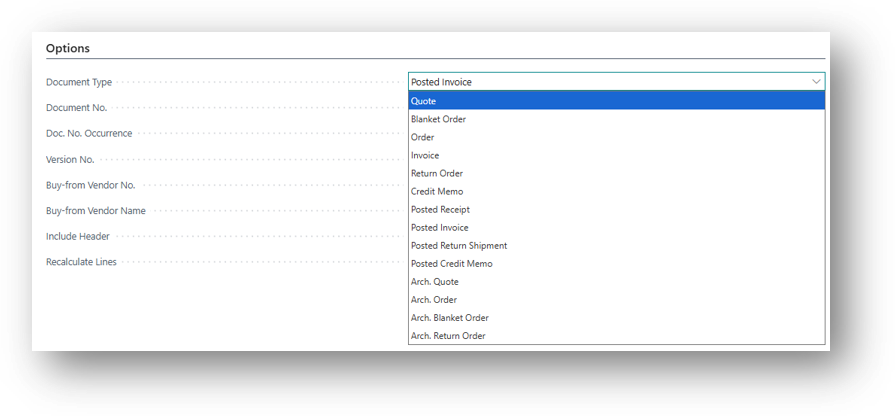
- Document No.: The source document you want to copy from.
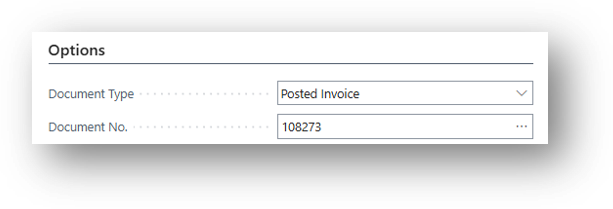
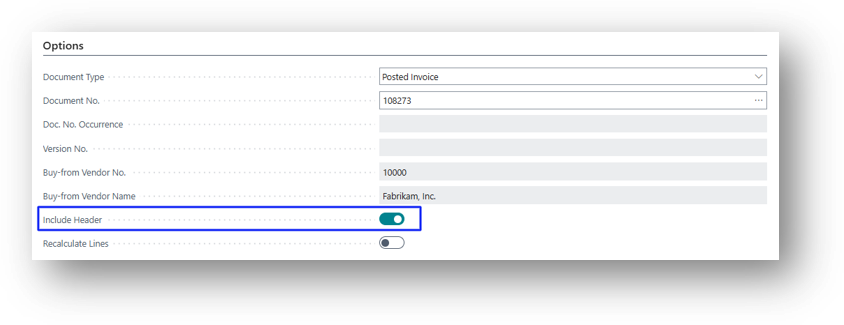
- Include Header: Copy Document copies header details such as vendor or customer, payment terms, and other header fields from the source document.
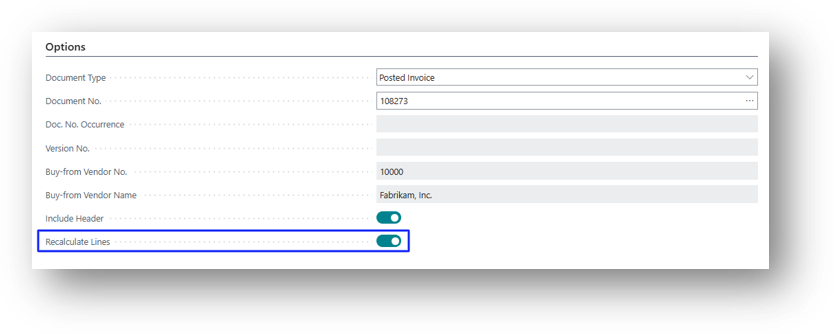
- Recalculate Lines: When turned on, prices and discounts are recalculated based on the current setup. When turned off, lines are copied exactly as they appear on the source.
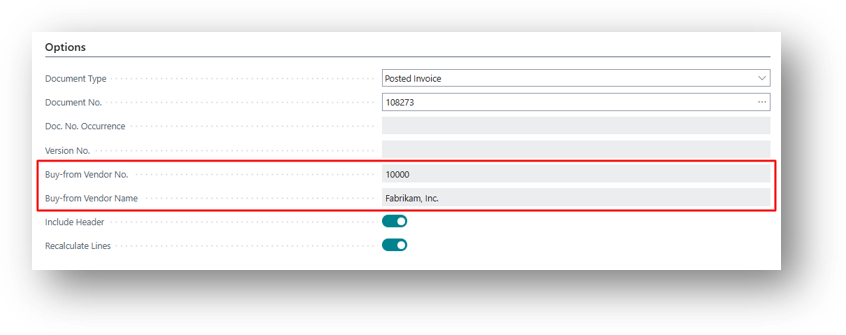
- If you select a vendor-related document, the vendor number and name also appear automatically.
- Doc. No. Occurrence – Specifies the number of times the No. value has been used in the Number Series.
- Version – Specifies the version of the document to be copied.
- Click OK, and the document is copied.
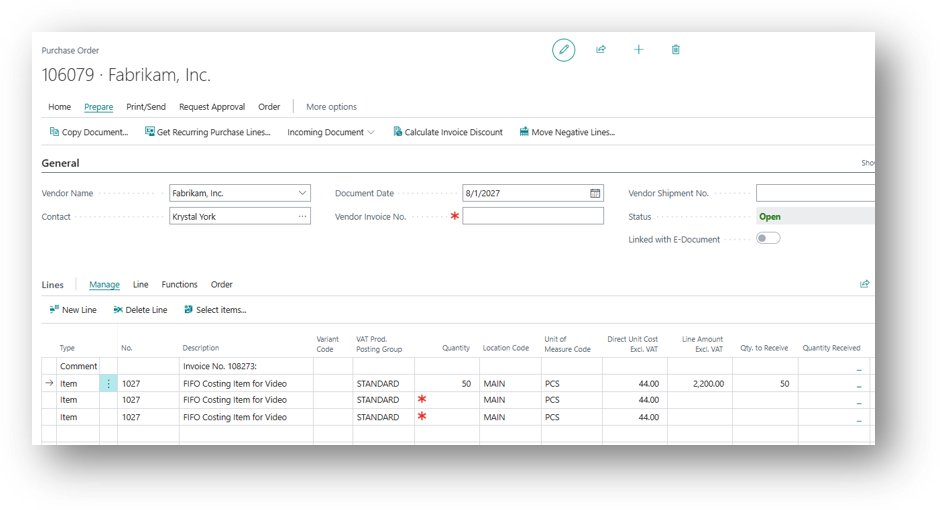
- Lines copied with Copy Document remain fully editable before posting.
- Use a new, empty document to avoid mixing old and new lines.
Conclusion
This feature saves time whenever a new sales or purchase document looks like an earlier one. However, always review prices, quantities and dates before posting, because the copied lines remain fully editable.
Related Articles
If you work with sales and purchase documents, these related articles may also help:
- Get Posted Document Lines to Reverse
- Ship-to Code on Customer Card
- Item Charges Concept on Purchase vs Sale Documents
- Posting Date VS Document Date
Hope so this is Helpful 😃