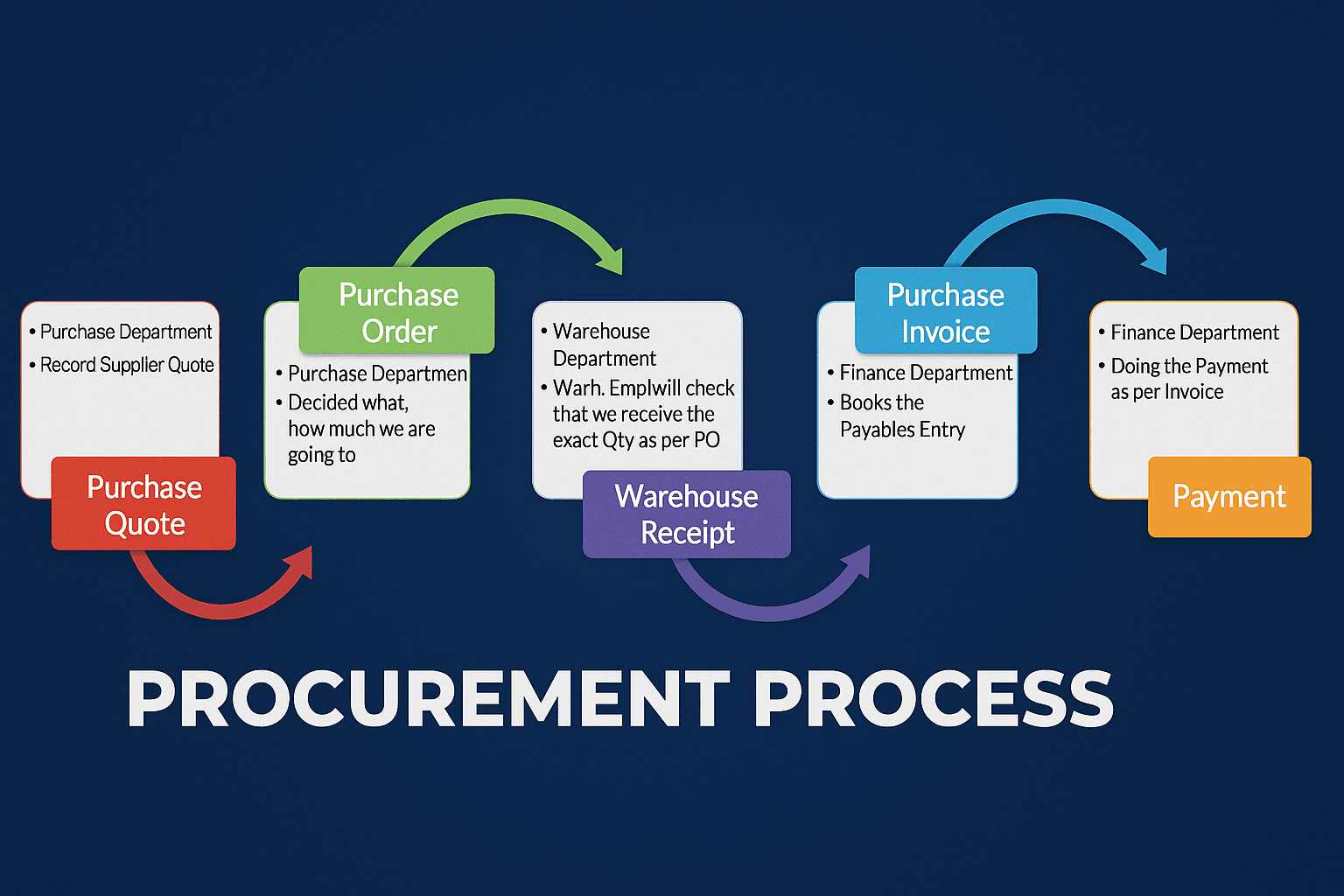
An Inventory Receipt is simply the document you use when you need to bring items into stock but there is no purchase order, production order or transfer sitting behind the movement. In other words, the stock is already physically there, you just need to tell the system about it. When you post the receipt, Business Central quietly does the accounting for you. In this article we will look at when you would actually use this in real life and then walk through the entire process step by step.
How Inventory Receipt Differs from Other Ways of Adding Stock
- Purchase Order: Use this when there is a vendor invoice and money you owe (a payable) involved. An Inventory Receipt does not touch any vendor at all, so nothing gets added to your payables. For example, entries of Posted Inventory Receipt do not include Vendor Ledger Entries.

- Item Journal: This also posts a Positive Adjustment so the effect on your stock ends up being the same. The real difference is in how you get there. Think of an Item Journal as a shared worksheet, where several people can type lines into the same batch, you hit post, and once it has done there is nothing left to open up again. You cannot go back later and see, at a glance, who brought in what and why. An Inventory Receipt is the opposite. It is a proper document with its own number, a header, and a posted copy that stays in the system. That makes it much easier to review, approve and audit afterwards. So here is a simple rule of thumb. Reach for the Item Journal when you just need a quick internal adjustment and use an Inventory Receipt when you want a clean paper trail you can check later.
Where is Inventory Receipt used in business
- Opening Stock: When a company first goes live on Business Central, all the stock already sitting in the warehouse has to be entered at its cost. This document is a clean, tidy way to do exactly that.
- Stock Found During a Physical Count: Sometimes you find items on the shelf that the system does not know about. Instead of quietly editing balances, you add them through a document so there is a proper audit trail of what was found.
- Free Samples and Donations: Goods a supplier sends you at no charge, where no purchase invoice is ever going to arrive, but you still need the item in the system so it can be sold or used.
Prerequisites to Know
- Number Series: the document number (IR000002 in our example) is generated automatically from the Inventory Receipt number series you have set up in Inventory Setup, so you do not type it yourself.
- Unit Cost: whatever you enter as the Unit Amount gets bumped up by the item’s Indirect Cost %, and that final figure becomes the Unit Cost. This is the number that actually lands in your inventory value.
- Posting Groups: you do not choose the G/L accounts manually. Business Central picks them up from the Inventory Posting Setup (Inventory Account) and the General Posting Setup (Inventory Adjmt. Account), based on the item and the location.


Open the Inventory Receipts list
- Search for Inventory Receipts.
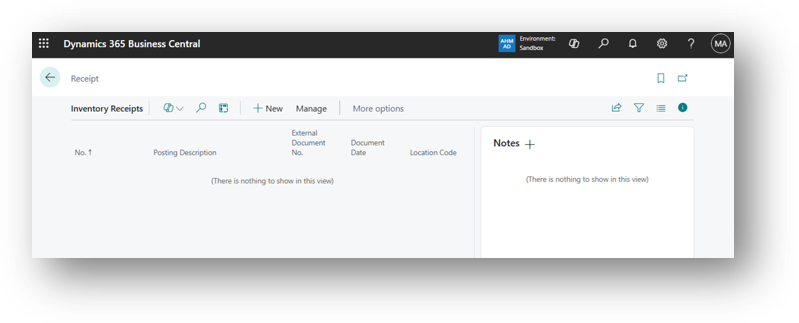
- Select New to open a blank Receipt card.

- Enter the Posting Description as Opening stock receipt and set the Posting Date and Document Date to 10/1/2027. Select Item No. 1002 – Wheel Set (Pair) in the line. The number IR000002 is assigned automatically.

- Enter Quantity 10 and Unit Amount 50.00. Notice the Indirect Cost % of sixteen and the Unit Cost of 58.00 fill themselves in automatically. They come straight from item 1002’s item card (50.00 plus 16 percent gives you 58.00).

Post the Inventory Receipt
- Choose Post and confirm the prompt “Do you want to post Inventory Document?” with Yes.
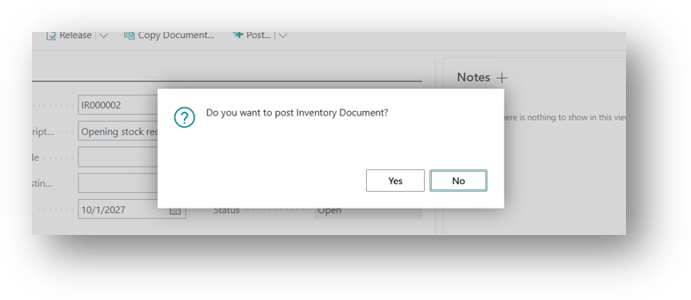
- After posting, the document leaves the Inventory Receipts list, which is empty again.
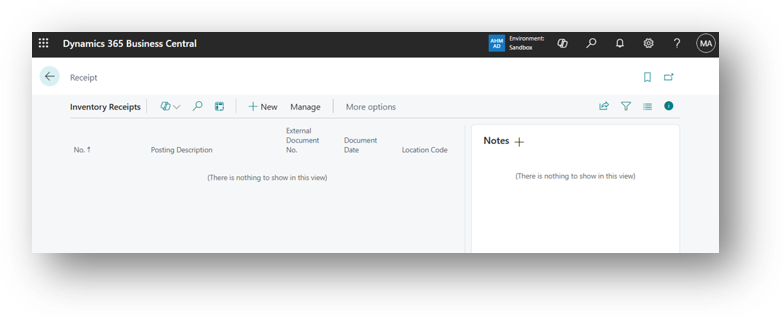
- Once posted, the receipt moves into Posted Invt. Receipts. There you will find IR000002 sitting with its Posting Description, Posting Date and Document Date.

- Open it up and you will see the posted document.

Review the Related Entries
- Using Find entries on the posted receipt, the related entries are one Item Receipt Header, two G/L Entry, one Item Ledger Entry and one Value Entry.

- The two G/L entries debit 2110 Resale Items by 580.00 and credit 7270 Inventory Adjustment Raw Mat. by 580.00. In plain terms, your inventory goes up on the balance sheet, and the other side of the entry lands in the inventory adjustment account.

- In Item Ledger Entries, a new entry of Entry Type Positive Adjmt. and Document Type Inventory Receipt appears for document IR000002, item 1002, Quantity 10. The Remaining Quantity of ten is now available stock.

- In Value Entries, the Item Ledger Entry Type is Positive Adjmt. and the Entry Type is Direct Cost.

- The Cost per Unit is 58.00 and the Cost Posted to G/L is 580.00 for a Valued Quantity of ten, so the full value of 10 x 58.00 was posted.

Hope so this is Helpful 😃