
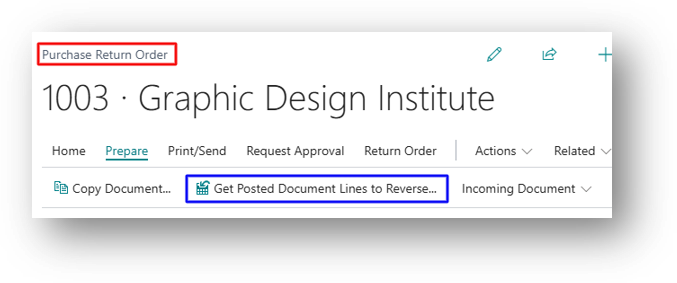
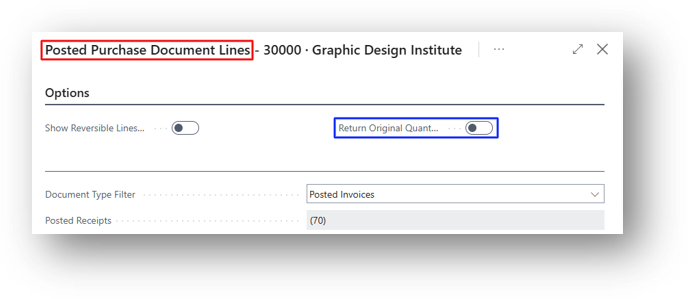
Return Original Quantity is an option on the Posted Purchase Document Lines page. This page opens when you use Get Posted Document Lines to Reverse on a Purchase Return Order. The option controls which quantity is copied to the return order line.
Example
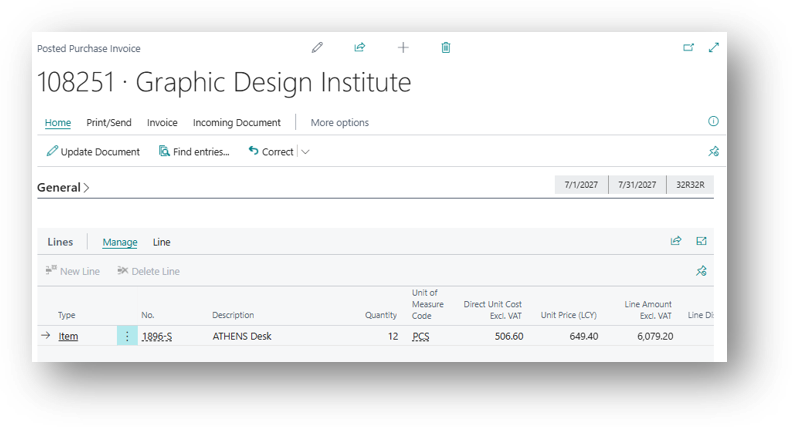
Posted Purchase Invoice 108251 shows 12 units of item 1896-S “Athens Desk”. I have already returned 8 Units.
Option Turned Off
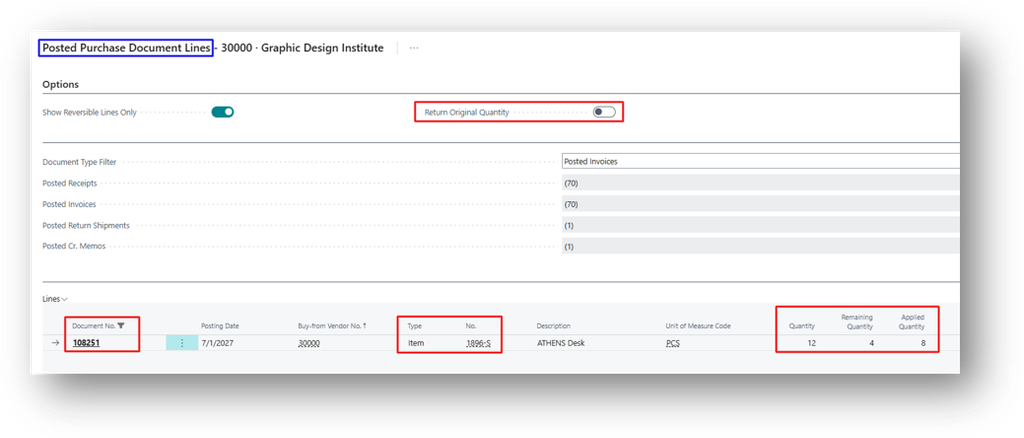
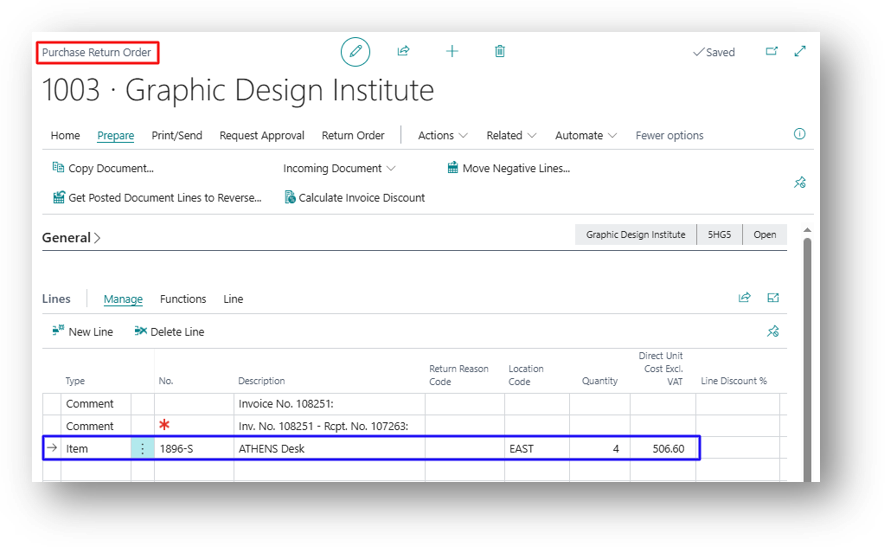
The Return line is Created with 4 Units.
Option Turned On
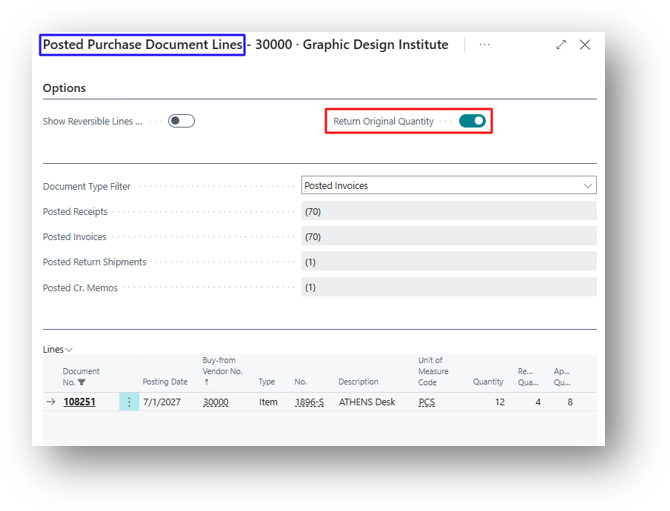
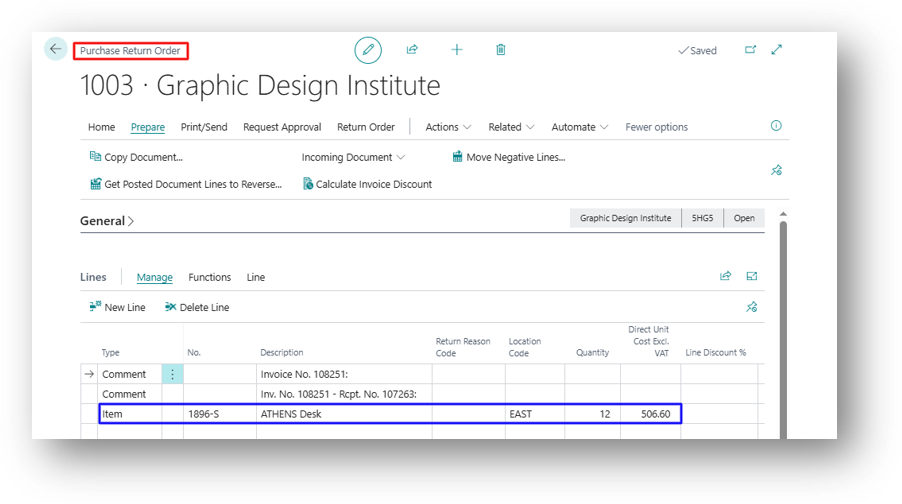
The Return line is Created with 12 Units.
In most cases, keep the option turned off. The system then suggests only what can actually be returned, which reduces errors. Turn it on when you want the return line to mirror the original document and plan to adjust the quantity manually.
Hope so it is Helpful 😃