
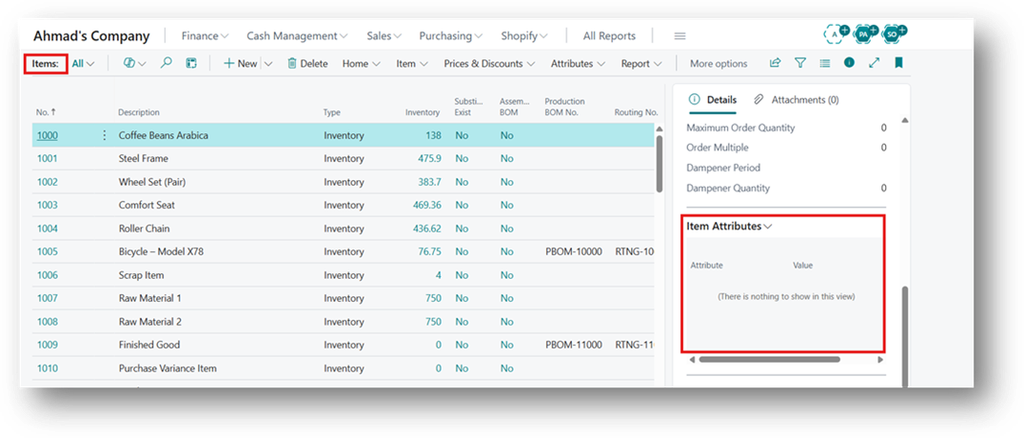
Item Attributes Filter on Item List works once Item Attributes are assigned to items, the Item List gives you a quick way to use them. The Filter by Attributes action shows only the items that match the attribute values you choose.
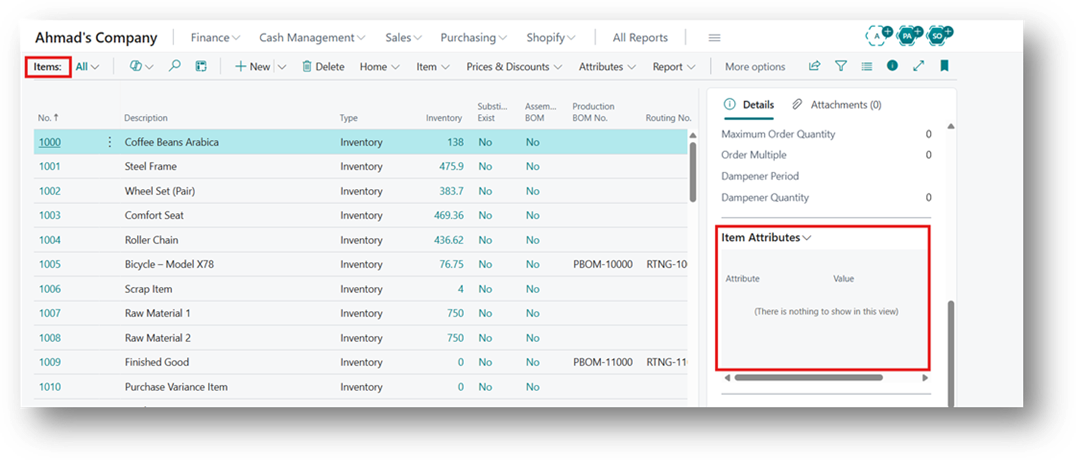
Where to Find It
Open the Item List and choose the Attributes tab in the ribbon. It contains three actions:
- Attributes: Assign or Edit Attributes for the selected Item.
- Filter by Attributes: Filter the list by attribute values.
- Clear Attributes Filter: Remove the Filter and Show all Items again.
How to Apply the Filter
- Open the Item List.
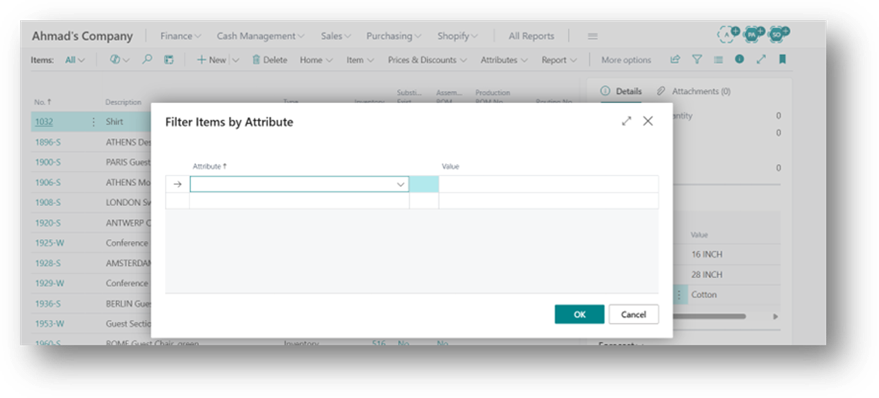
- Choose Attributes, then Filter by Attributes.
3. Select an Attribute and its value. Add more rows to filter on more than one attribute.
4. Choose OK. The list now shows only the matching items.
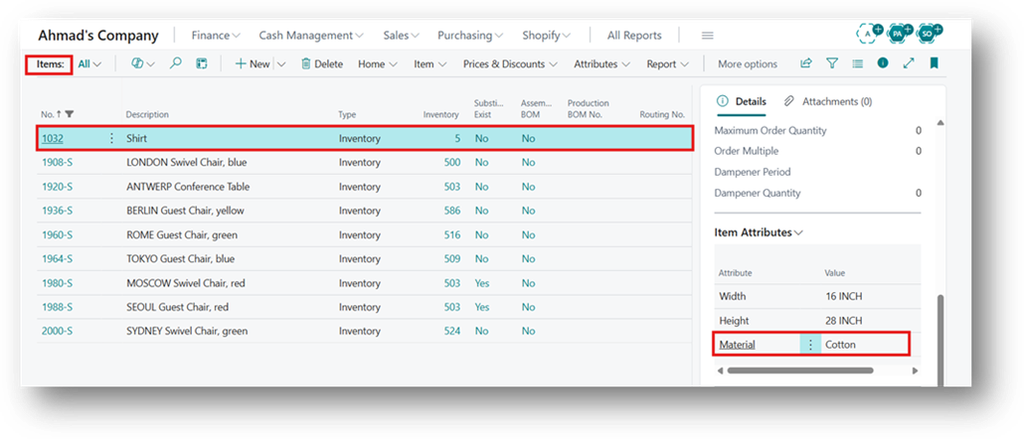
5. Now you want to clear the filter so go to Attributes > Clear Attributes Filter.
Hope so this is Helpful 😃