

Prerequisites for Deleting a G/L Account
Before deleting a general ledger account, ensure the following conditions are met:
- The Account Balance must be zero.
- The “Check G/L Account Deletion After” field on the General Ledger Setup page must be enabled.
- If the “Check G/L Account Usage” field is enabled in the General Ledger Setup page, the account must not be utilized in any posting groups or posting setup.
Control Settings for Account Deletion
You can manage account deletion permissions by using the following controls on the General Ledger Setup page:
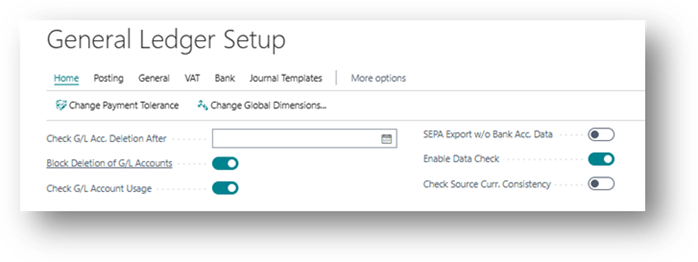
General Ledger Setup
- Block Deletion of G/L Accounts Toggle: When activated, this toggle restricts the deletion of G/L accounts with ledger entries after a specified date. To delete such an account, an individual with access to the General Ledger Setup page must deactivate the toggle.
- Check G/L Acc. Deletion After Field: Specifies the date until which G/L accounts with ledger entries cannot be deleted. It is advisable to align this date with regulatory requirements for financial data retention.
Practical Example
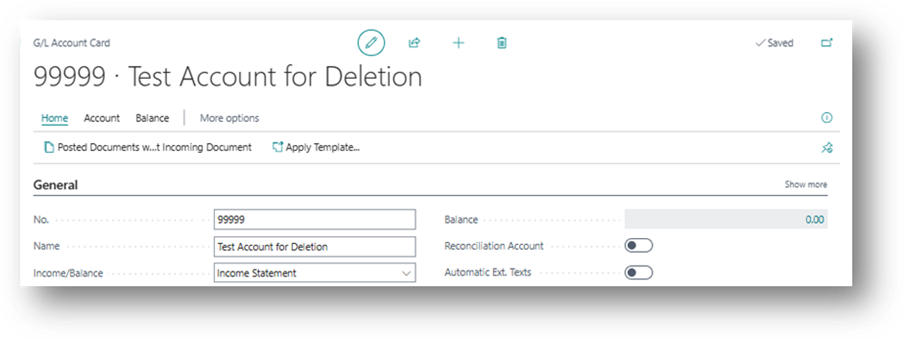
Let’s create a GL Account and then will try to delete it.
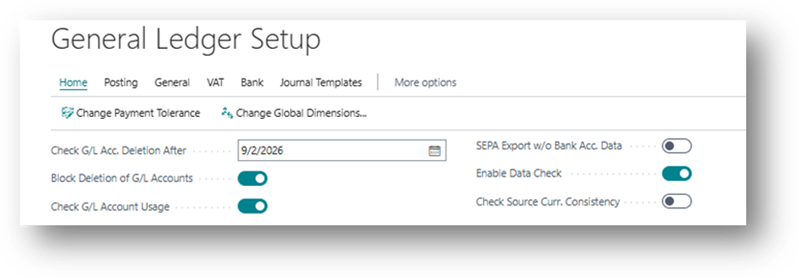
Now will specify a Feature date in the “Check G/L Acc. Deletion After”
Now let’s create the Delete Button.
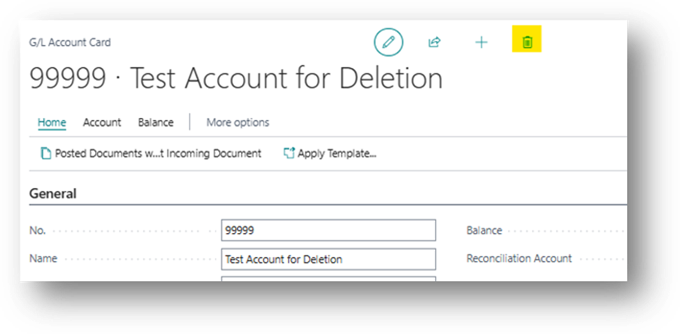
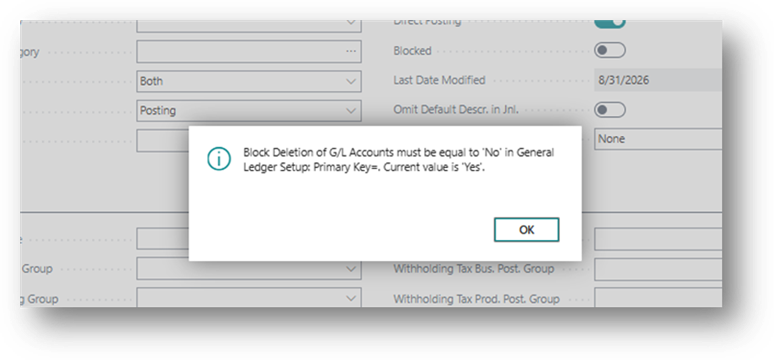
See system has restricted to delete this even though there are no values.
Let’s disable the Boolean:
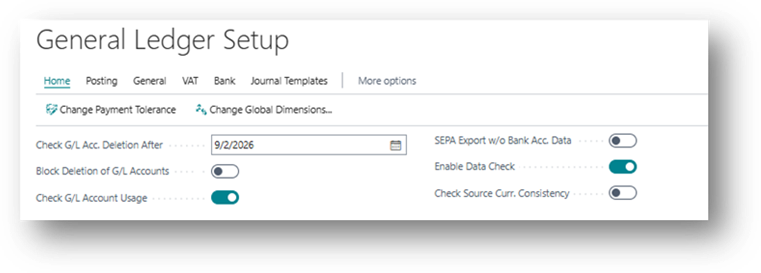
And let’s enter the date of Past.
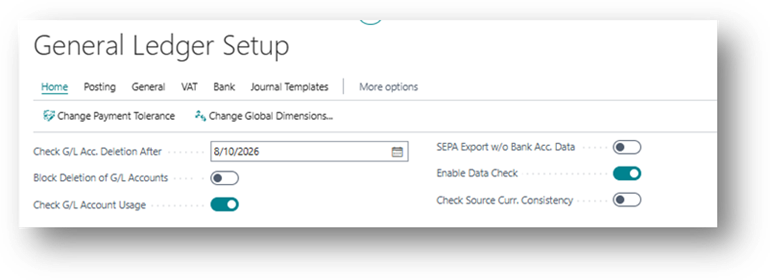
So now I clicked on Delete and it is Allowing.
Best Practices
Enabling the “Block Deletion of G/L Accounts” toggle is often considered a best practice. Additionally, setting the date in the “Check G/L Acc. Deletion After” field to comply with regulatory data storage requirements enhances data management practices.
By adhering to these guidelines, you ensure a systematic and compliant approach to managing general ledger account deletions in your financial system.