
We have already discussed in Separate Article that what is Item Attributes on Item Card and in this Article will discuss how to manage Item Attributes on Item Variants.
Item Attribute Blog – https://ahmad365.com/item-attributes-on-item-card/
Now, consider a scenario where the item is a Shirt with three different variants like Red, Grey, and Black. Each variant has its own unique colour attribute, while the Width, Height, and Material attributes remain the same for all three variants.
To assign a value to an Item Variant:
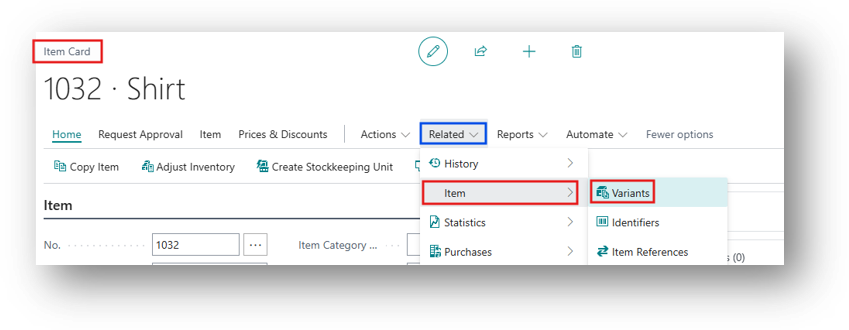
- Open the Item Card
- You can specify the Item Attribute from Related > Item > Variants.
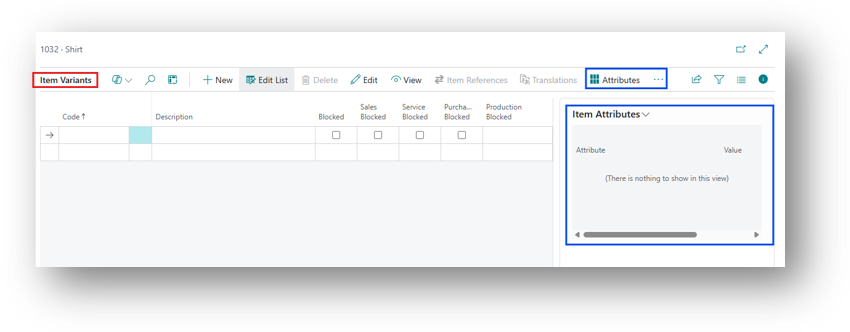
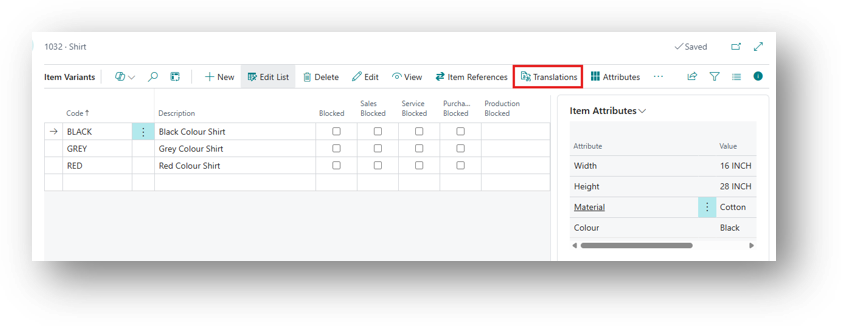
- You can see the same 2 Options that were coming in the Item Card is coming in Item Variant as well.
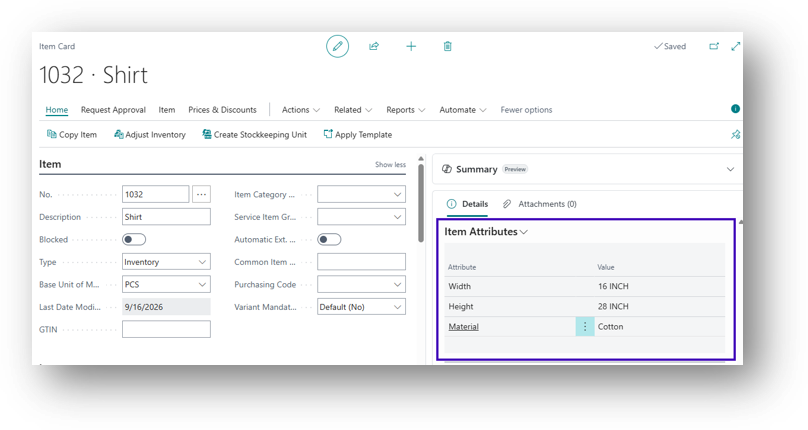
- And all the Attributes that were specified on Item Card Automatically comes here.
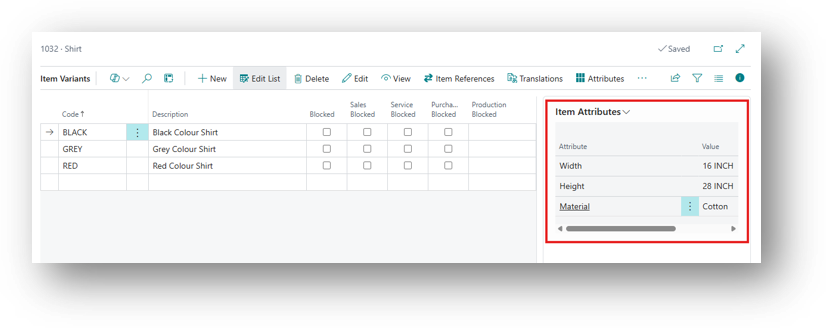
- And now will specify the one that are different for each variant.
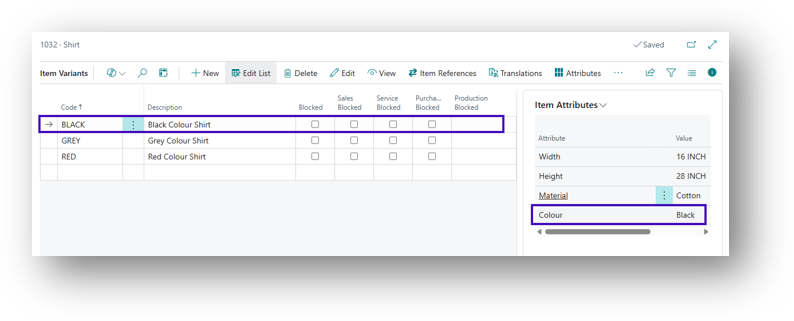
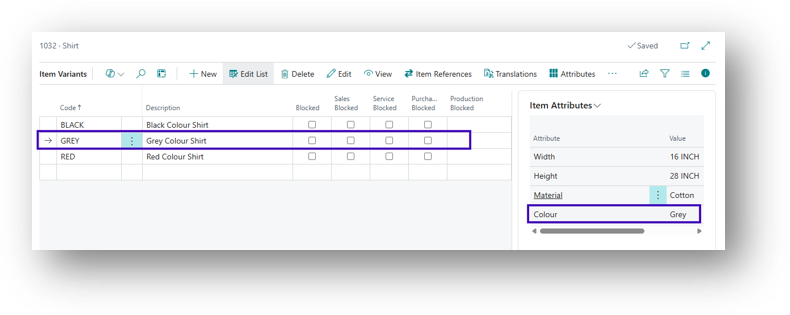
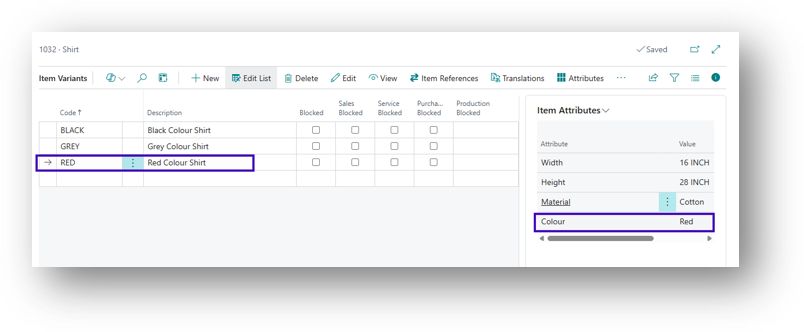
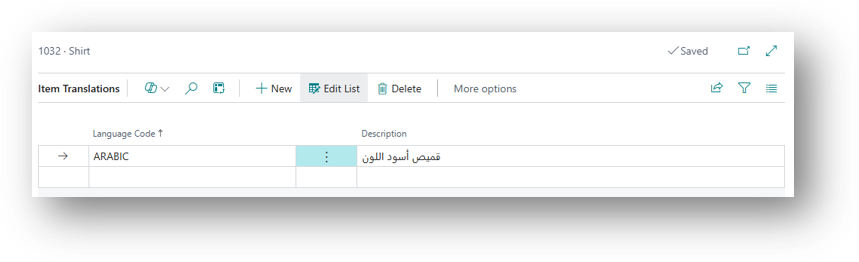
- There is one more option on this known as “Translation”.
Hope so this is Helpful. 😀