

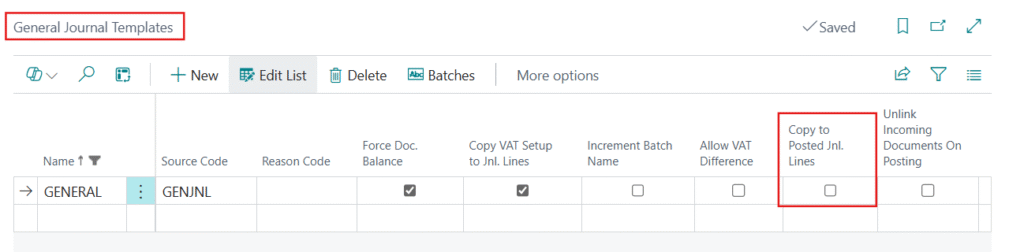
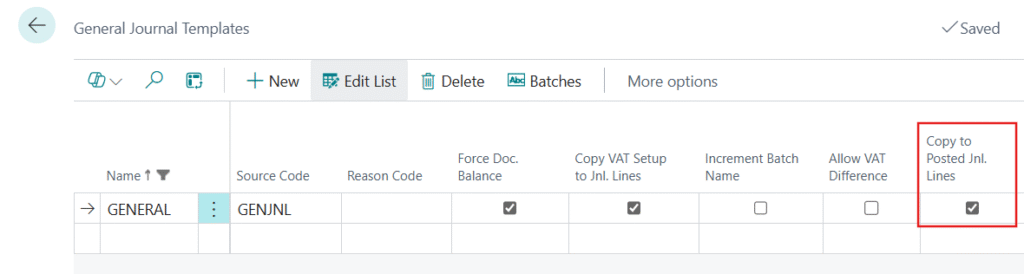
This field exists on the General Journal Template and General Journal Batch, and controls whether a historical, read-only copy of journal lines is retained after posting.
What it does
Normally, once a general journal batch is posted, its lines are removed from the journal and only the resulting ledger entries remain. When Copy to Posted Jnl. Lines is enabled, Business Central additionally copies the posted lines into a separate Posted General Journal Line table, which can be viewed later through the Posted General Journals page.
Worked Example
If I Disable this Boolean
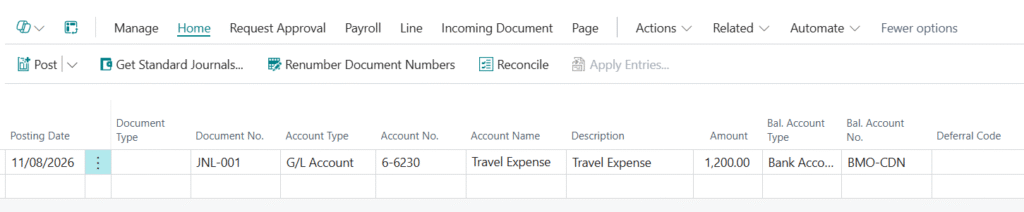
- I am creating G/L Entries.
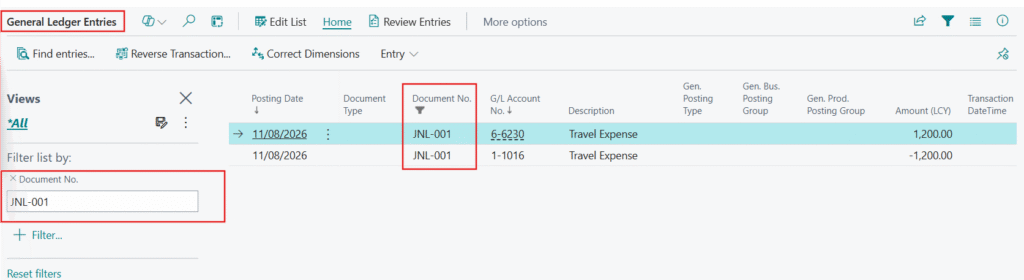
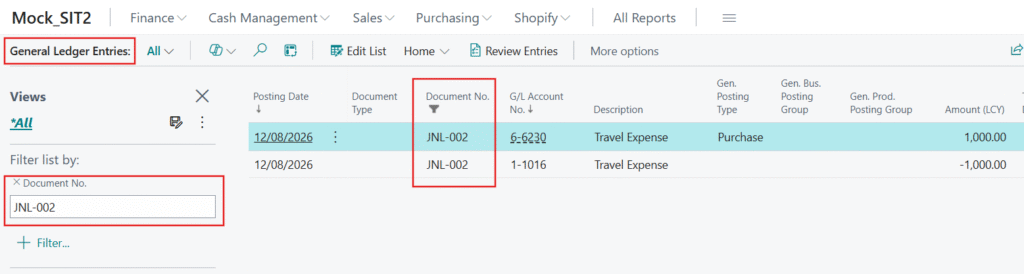
- After Posting this Entry then I will go to General Ledger Entries and filter on this Document Number. The Result will come.
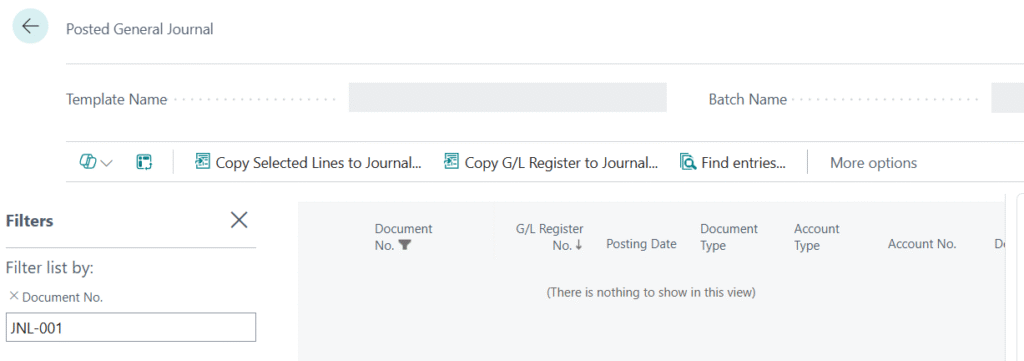
- Now I will check the same thing in Posted General Journal, then you can check the Entry will not come here.
Now the Same Scenario when the Boolean is Enabled.
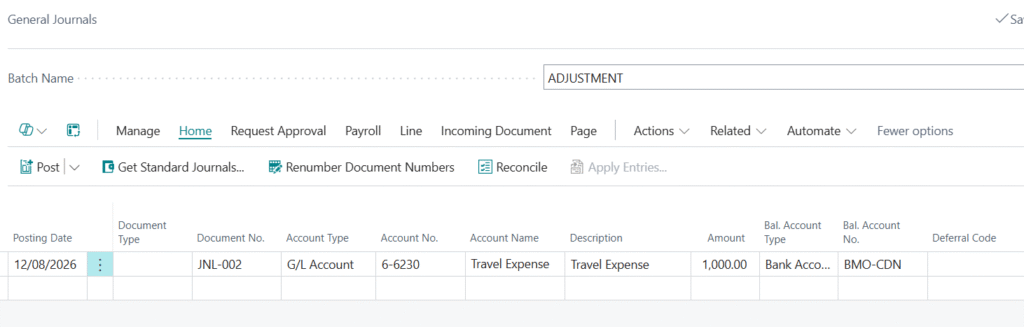
- Creating the General Entry.
- After Posting this Entry let’s check both General Ledger Entries and Posted General Journal.
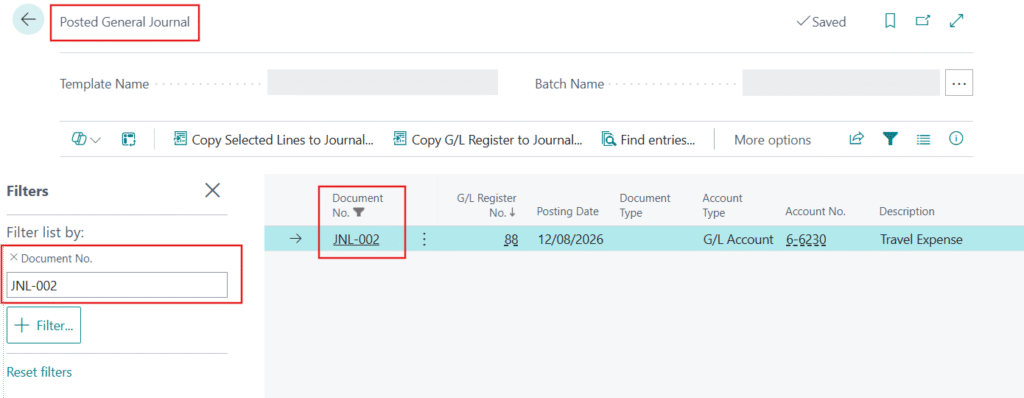
So, now you can see we can use this Page.