

Purpose
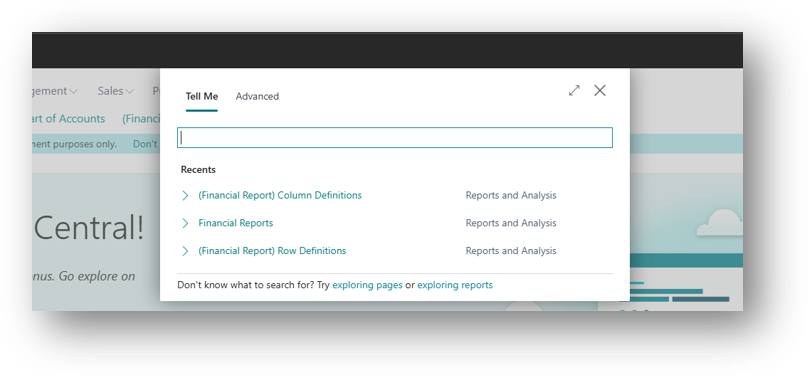
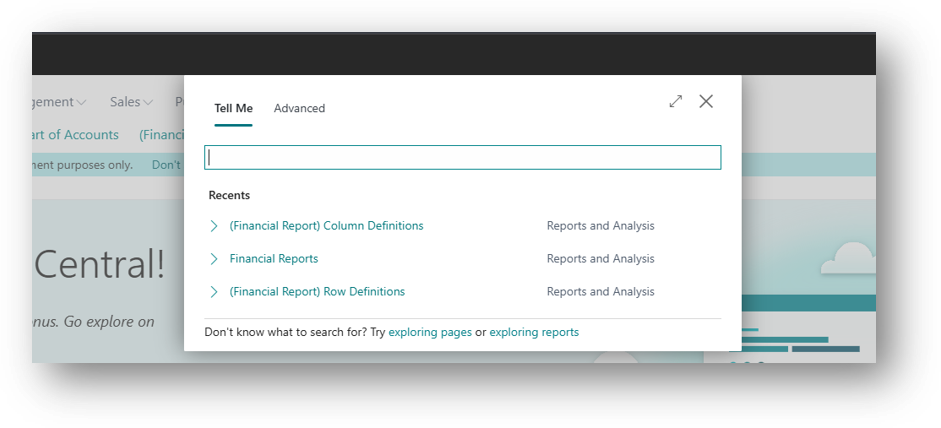
In Business Central Version 29, search box (Alt+Q) show recently searched in tell me. Pages and reports that a user searches for often can be opened again without retyping.
Most users work with a small set of pages every day: a clerk opens Sales Orders, Customer Ledger Entries and the Cash Receipt Journal again. Before this release, each visit through Tell Me meant typing the search term again. Bookmarks help, but only for pages the user has already bookmarked.
Availability
| Detail | Value |
|---|---|
| Status | Launched, General Availability |
| Rollout start | October 2026 (Update 29.0) |
| Roadmap ID | 573371 |
| Area | User experience |
| Setup required | None |
How it Works
When the user opens Tell Me, recent searches are listed before anything is typed. Selecting one runs that search again. The list is personal each user sees only their own searches.
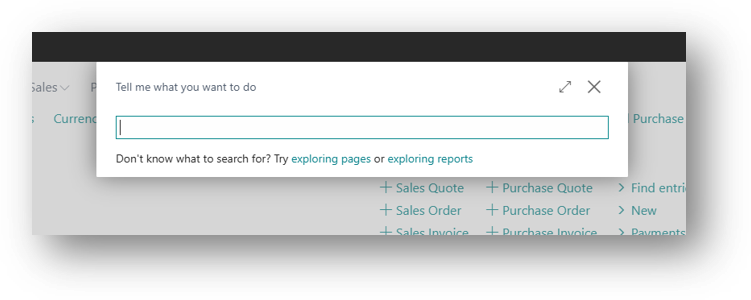
Version Before 29
Version 29
Example
My last search was (Financial Report) Column Definition.
Now I will search for Customer ledger entries, and I will select Find Entries for the Entries.
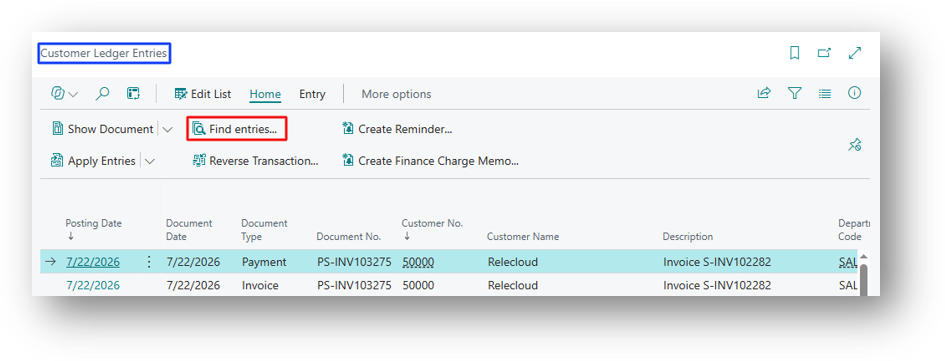
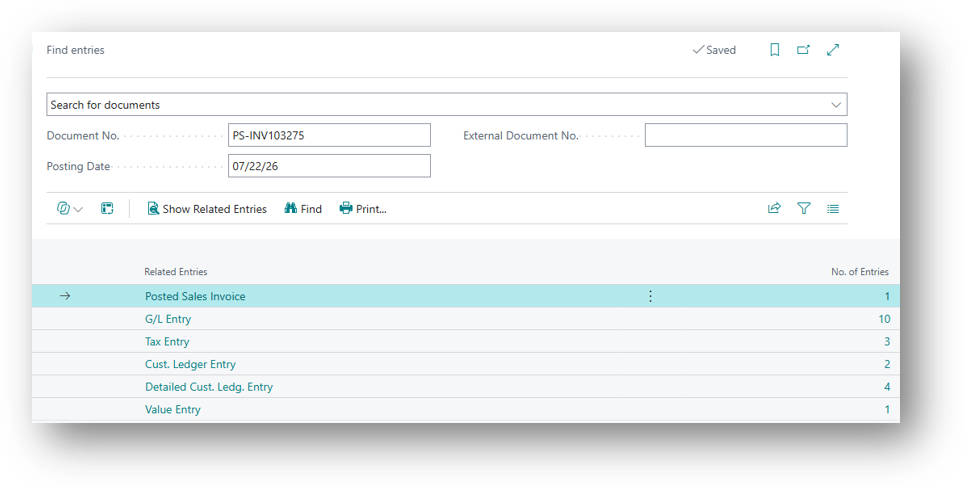
Let’s see the result now.
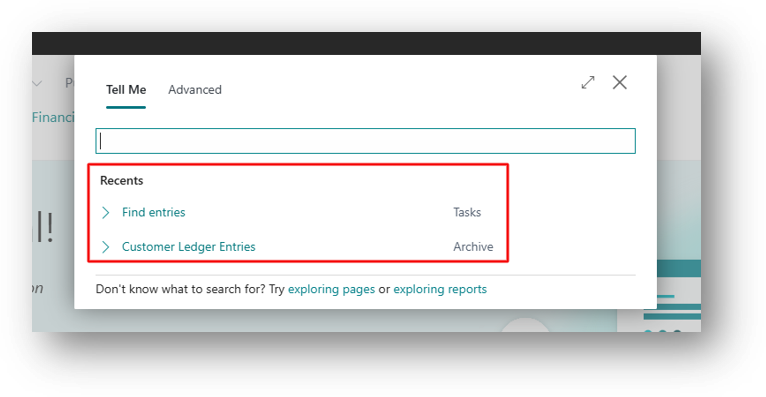
When to Use Which Option
| Need | Better option |
|---|---|
| Pages used every day, always the same | Bookmark on the Role Center |
| Pages used often, but Changing by Week or Task | Recent Searches in Tell Me |
| Pages for a Whole Team | Bookmark added to the profile |
Hope so this is Helpful 😃