

Purpose
In Business Central version 29, image attachments open in a viewer inside the web client. Users no longer need to download a picture to see it. Before this release, opening an attached image, such as a scanned delivery note or a photo of damaged goods, downloaded the file to the user’s computer.
Availability
| Detail | Value |
|---|---|
| Status | Launched, General Availability |
| Rollout start | October 2026 (Update 29.0) |
| Roadmap ID | 573367 |
| Area | User experience |
| Setup required | None |
Example
It is better if I create 2 Examples, one in Version before 29.0 and one in Version 29.0
A warehouse clerk attaches a photo of a damaged carton (PNG) to a purchase return order. The purchasing manager needs to check it before approving the return.
Version Before 29.0
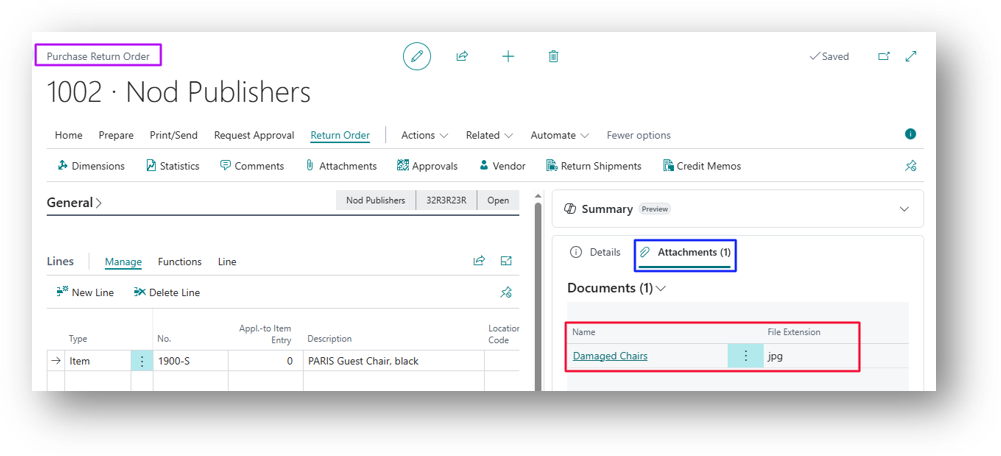
Now click on the Name “Damaged Chairs”.
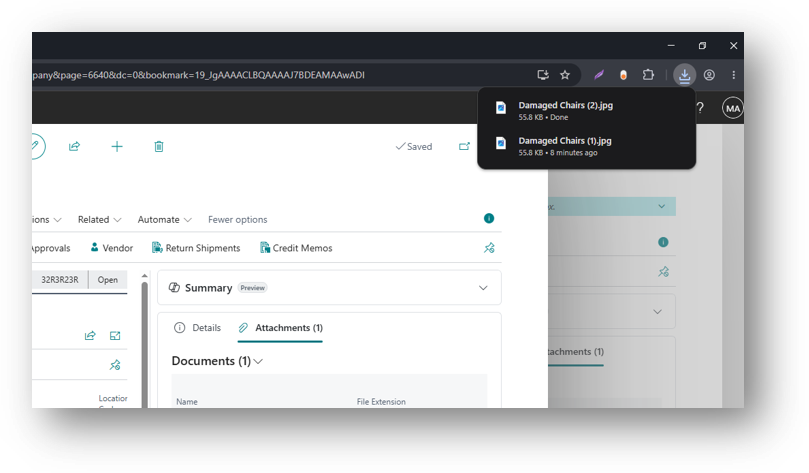
Rather than showing the Preview it downloaded the File. But there was another way in version before 29.0 and that was to go to the Attachment Option in Action Button. Click on that.
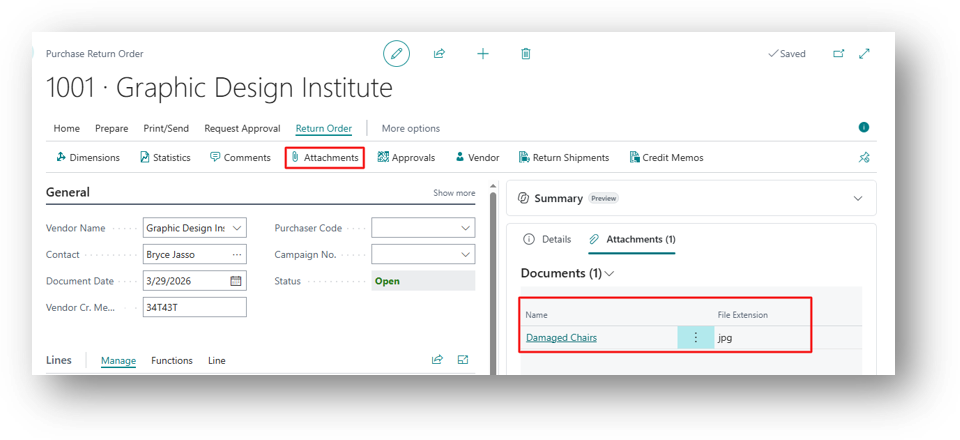
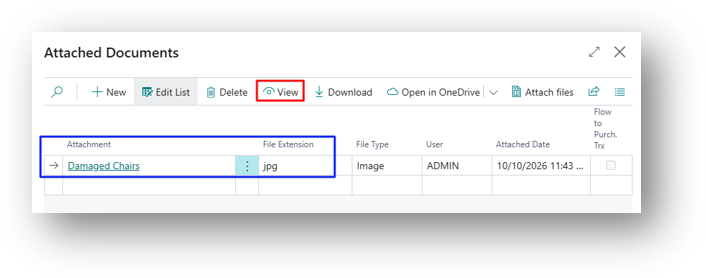
You can see the Attachment in Line and Click on View in the Top.
Version 29.0
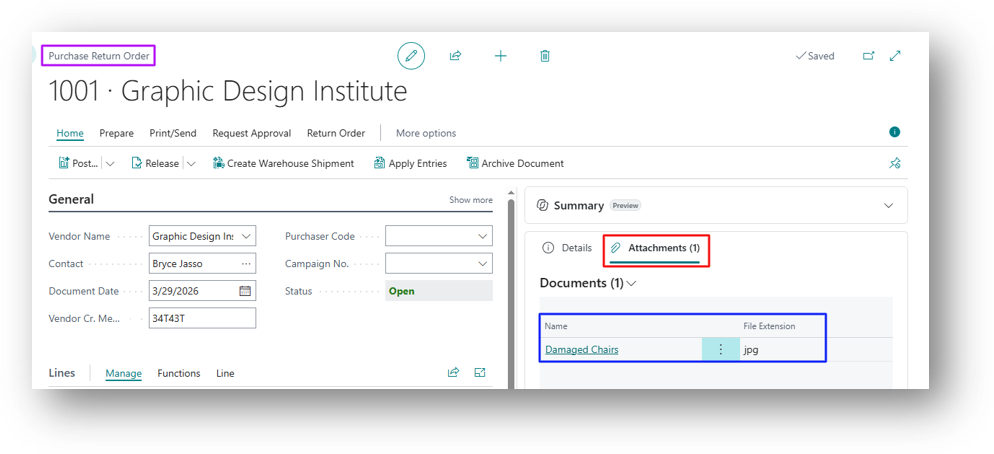
Now click on the Name “Damaged Chairs”.
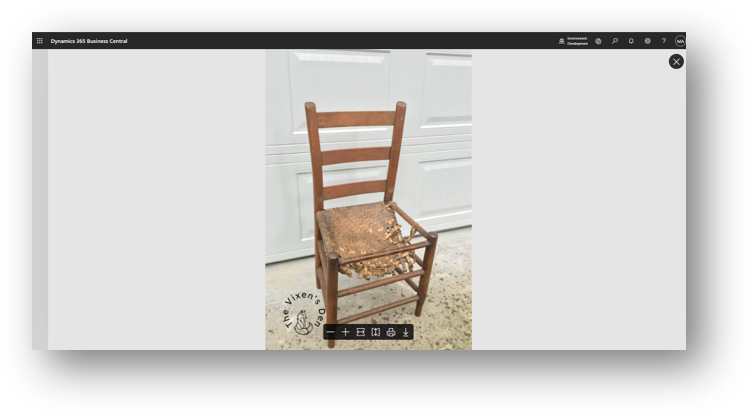
System did not download the file rather than it gives the Preview.
Hope so this is Helpful 😃