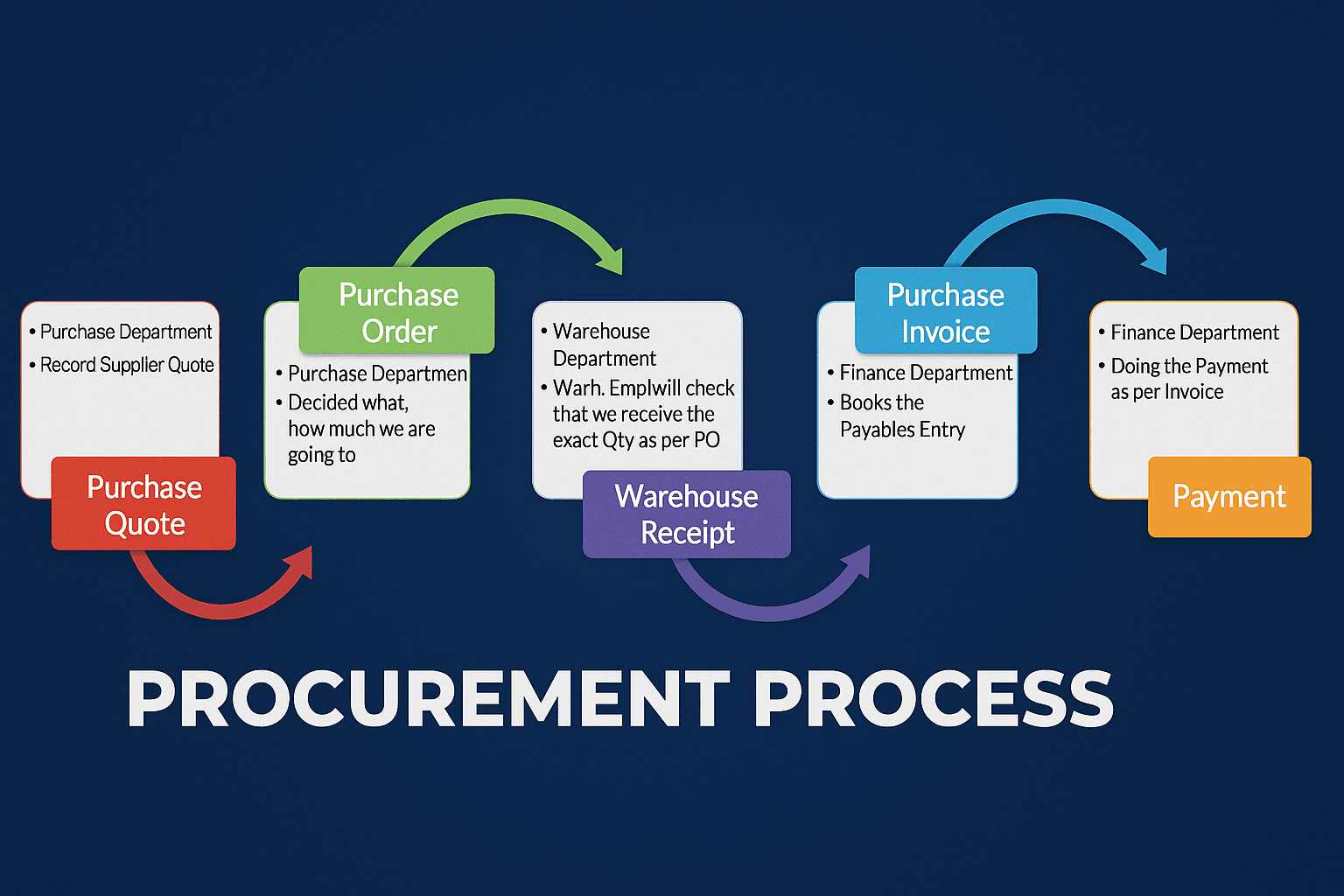
For years, Business Central customers handled employee expenses with spreadsheets, manual purchase invoices or third-party apps. With the 2026 release wave 1 (Version 28.1), Microsoft added a native Expense Management module that lets you capture, approve, post and reimburse employee expenses inside Business Central.
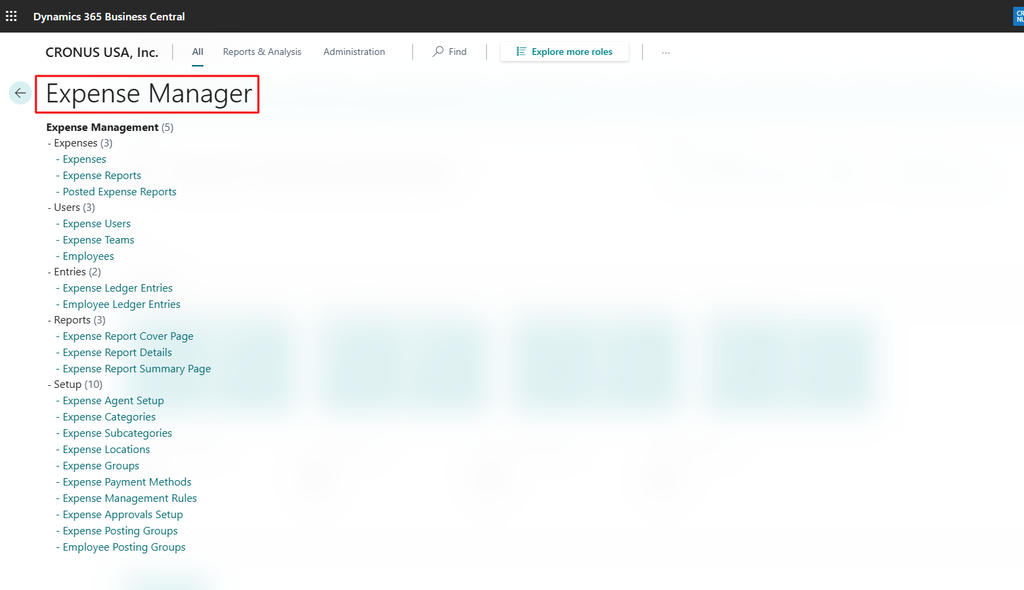
What the Expense Management Module Covers
- Expenses: Individual business costs such as a taxi fare, hotel bill or client lunch.
- Expense Reports: One document that groups several expenses for approval and posting.
- Mileage and Per Diem: Automatic calculation of travel allowances based on configured rates.
- Rules and Controls: Policy checks such as amount limits, required receipts and justification.
- Approvals: Managers review, approve or reject reports before posting.
- Posting: The system creates G/L Entries and Sub Ledger Entries in one step.
- Expense Agent (Optional): An AI agent that reads receipts from email and prepares expenses.
Who Uses Expense Management
| Role | Main Tasks |
|---|---|
| Administrator | Configures Expense Agent Setup, categories, rules, users and approvers |
| Employee (Expense User) | Records Expenses, Attaches Receipts and Submits Expense Reports |
| Manager (Approver) | Reviews, approves or rejects expense reports |
| Accountant | Posts approved reports and pays employees |
End to End Expense Management Flow
- First, the Admin completes the Expense Management setup (categories, payment methods, rules, users).
- Next, the Employee records expenses and attaches receipts.
- Then, the Employee adds expenses to an Expense Report and releases it.
- After that, the Manager approves the report (if the approval workflow is enabled).
- Afterwards, the Accountant posts the report.
- Finally, the Employee receives the reimbursable amount through a payment journal.
Example
Ali, a Sales Executive, visits a client. He pays a taxi fare of 80 USD and a business lunch of 20 USD with his own money. He records both expenses in Expense Management, adds them to his October Expense Report and submits it. Then his manager approves it, Finance posts it, and Ali receives 100 USD.
Hope so this is Helpful 😃