

Include Item without Transactions Feature is Available on Calculate Inventory < Physical Inventory Journal
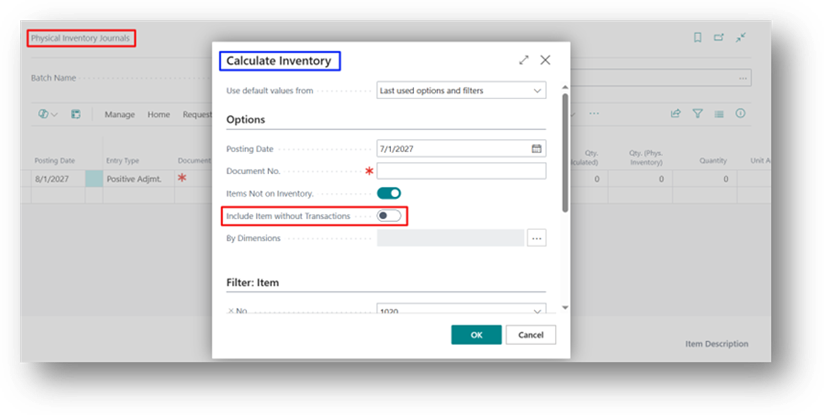
This option goes one level deeper than Items Not on Inventory. It’s meant for items that have zero quantity and Zero Transaction History. Meaning nothing has ever been purchased, sold, or adjusted for that item in the system.
Refer to this Link to understand the Item Not on Inventory in Detail.
Normally, such items are excluded from the count entirely, since Business Central has no record suggesting they should be in stock at all. Turning Include Item without Transactions ON pulls these items into the journal too, so they can be verified during a physical count — even though the system has never “seen” them before.
Example
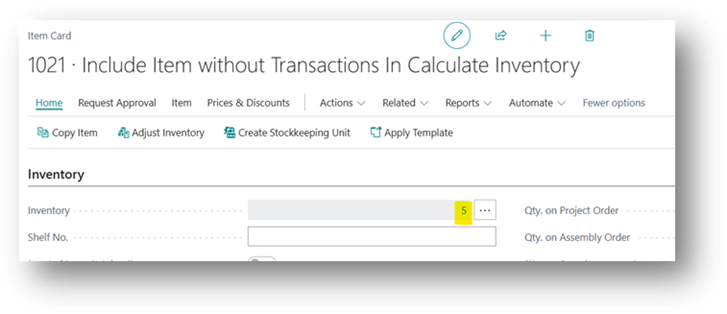
Item 2021 is created in the item master a while ago but was never actually purchased or sold through Business Central no transactions exist for it at all. However, during a warehouse count, staff discover 5 units physically present (perhaps received outside the system or transferred manually without posting).
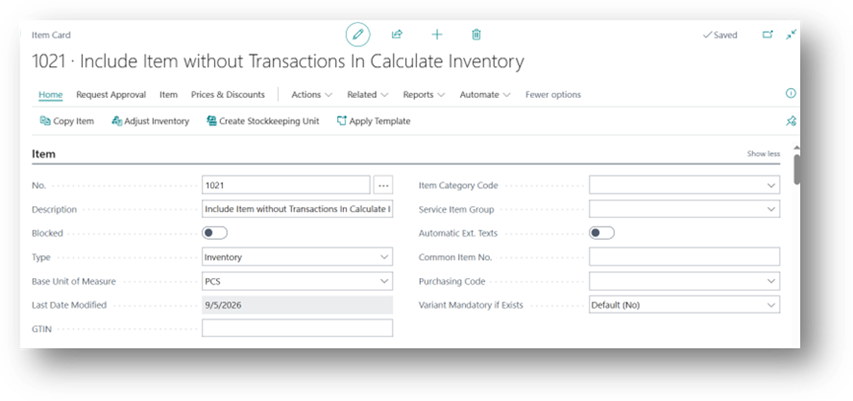
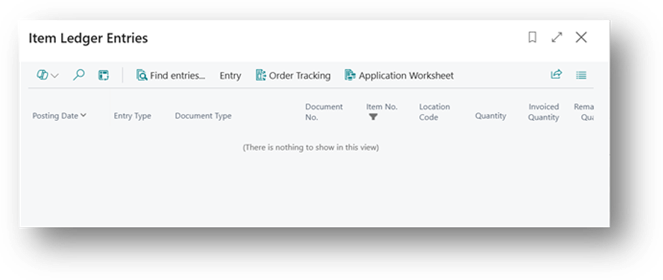
But Remember, No Item Ledger Entry.
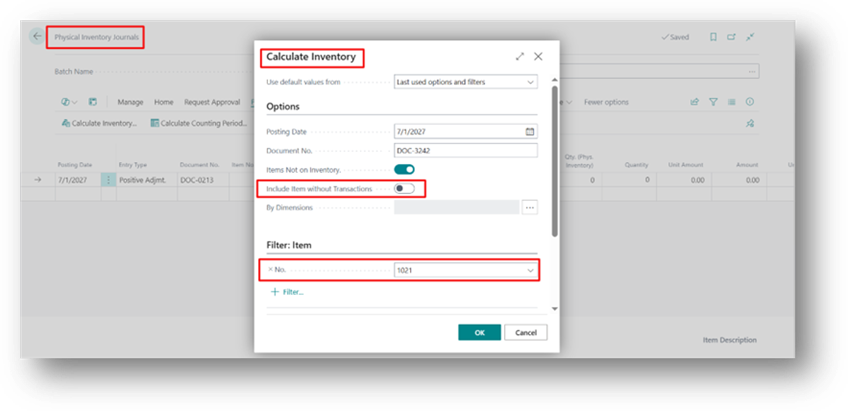
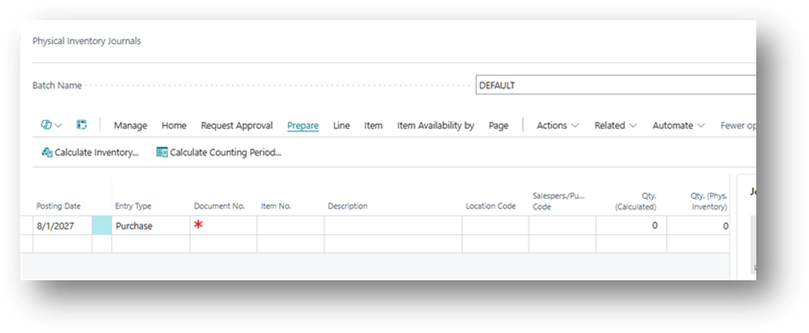
Boolean Disabled
- Item 2021 won’t appear on the count sheet at all, since it has no transaction history.
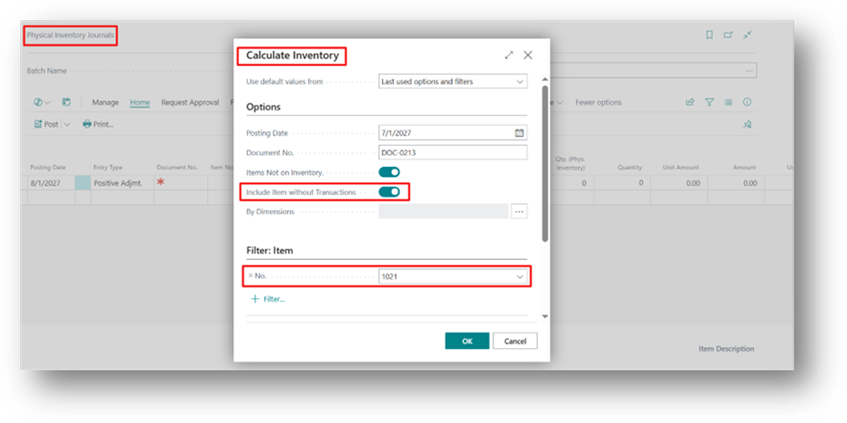
Boolean Enabled
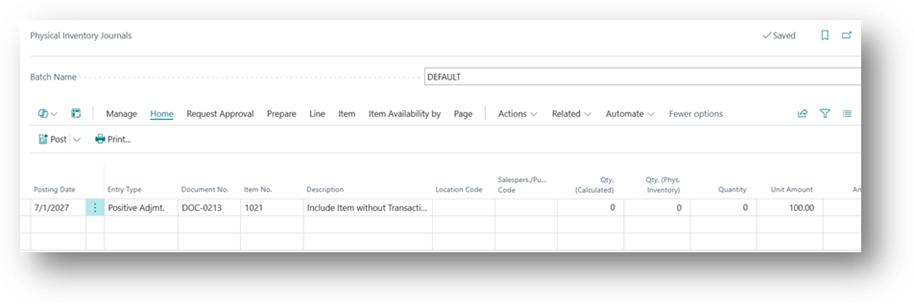
- Item is added to the journal with Qty. (Calculated) = 0. Staff enter 5 as the counted quantity, and posting creates the item’s very first ledger entry, officially bringing it into inventory.
This option is particularly useful for capturing brand-new or previously untracked items during a full physical count.