

A Standard Journal is a saved, reusable set of journal lines that a user can recall on demand and post repeatedly, with or without modification. It exists to eliminate the repetitive manual entry of transactions that recur in substance but not necessarily on a fixed schedule.
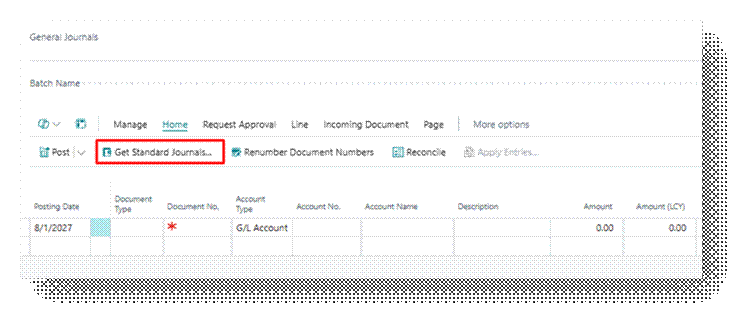
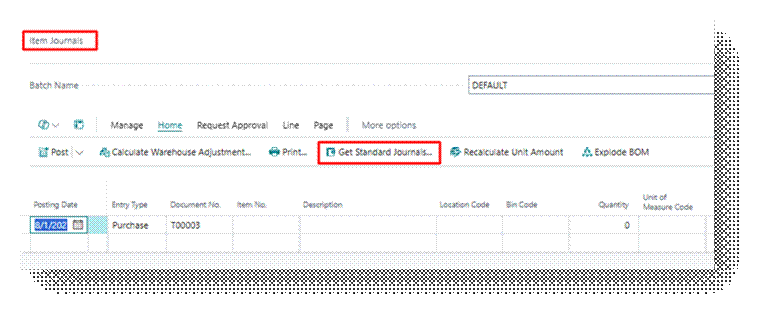
Standard Journals are available on both the General Journal and the Item Journal. The same save-and-retrieve mechanism applies to each, though the fields carried differ by journal type.
Standard Journal vs. Recurring Journal
Business Central offers two distinct tools for repeat transactions, and they are frequently confused. The distinction is functional, not cosmetic.
| Characteristic | Standard Journal | Recurring Journal |
| Page | General Journal / Item Journal (any batch) | A dedicated Recurring General Journal batch |
| Posting date handling | Entered manually each time the lines are reused | System calculates the next posting date automatically using the Recurring Frequency field |
| Amount handling | Static. User edits amount manually after retrieval | Supports Fixed, Variable, Balance, and other Recurring Methods that recalculate amounts automatically |
| Reversal | Not automatic | Reversing Fixed/Variable methods can auto-generate the reversing entry on the following day |
| Allocation across accounts | Not supported natively | Supported through Allocation Keys |
How to Use Standard Journal
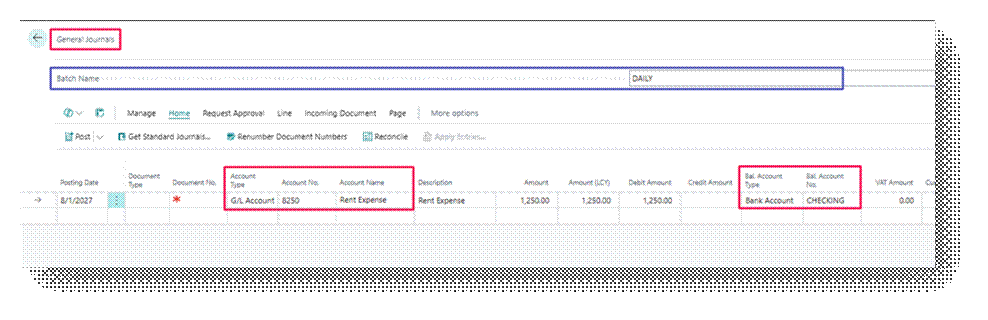
- Open the General Journal (or Item Journal) and create a journal lines as they should appear when reused. Do not post the batch yet.
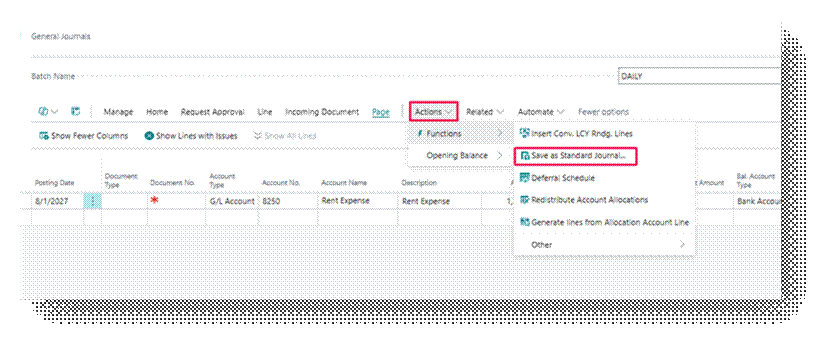
- On the action bar, select Save as Standard Journal (found under the Functions).
- Enter a Code and Description that will identify this Standard Journal in the list of saved journals. Furthermore from the Save Amount Boolean you can save the Amount you mention in Line in the Standard Journal.
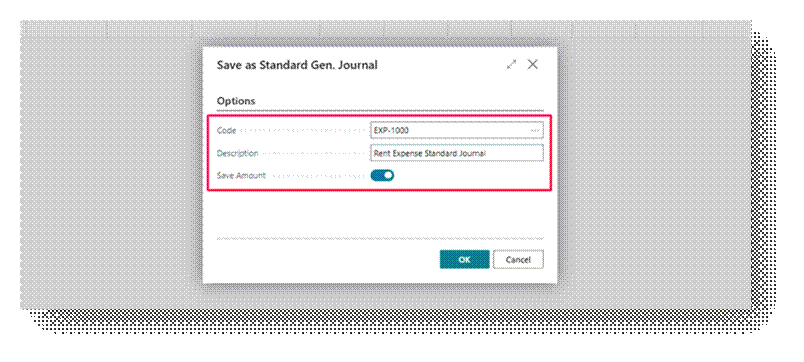
- Confirm the save. The lines remain saved as a Standard Journal template independent of the current batch.
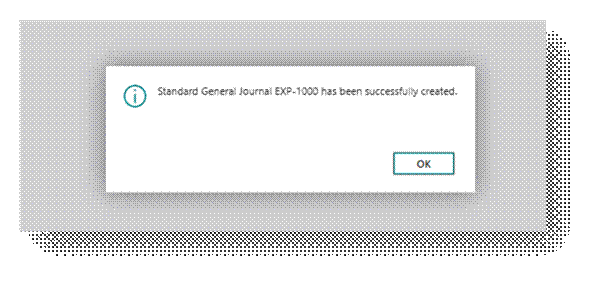
The Standard Journal is stored at the level of the Standard General Journal / Standard Item Journal table and is not tied to the batch in which it was created. Now will use this Standard Journal.
So now you can see that the General Journal is Blank.
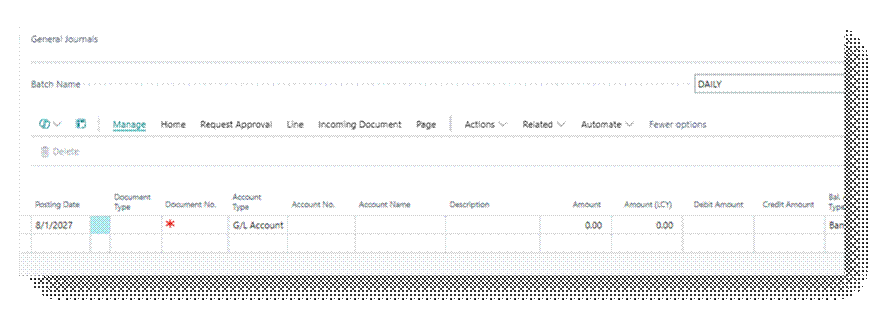
Now click on Get Standard Journal.
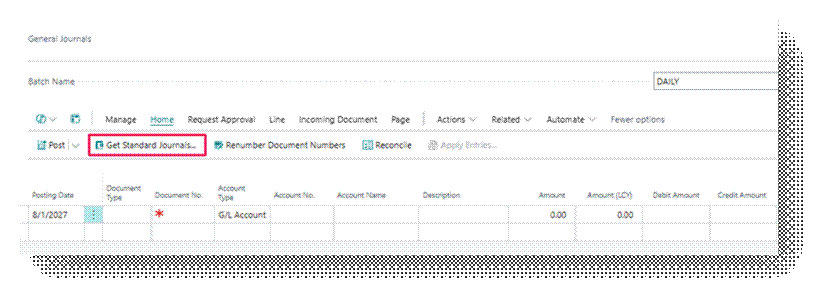
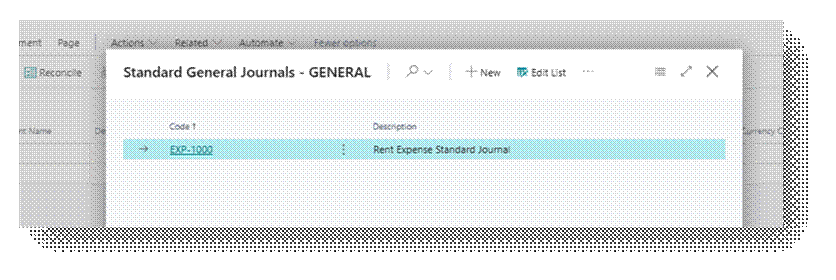
Click Okay and it will bring the line in the General Journal.
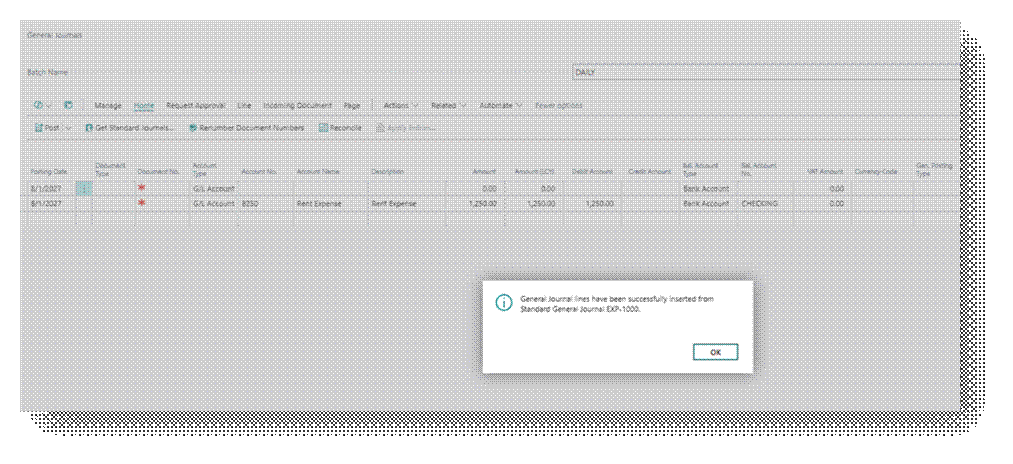
General Journal Line is created, and it created the similar entry on second line.
Each retrieval is independent. Retrieving a Standard Journal twice in the same day, or in two different batches, does not affect the saved template itself; the template remains unchanged until it is explicitly resaved.