Choose Subscription Option – No Subscription for an item that should follow the standard Business Central Process.
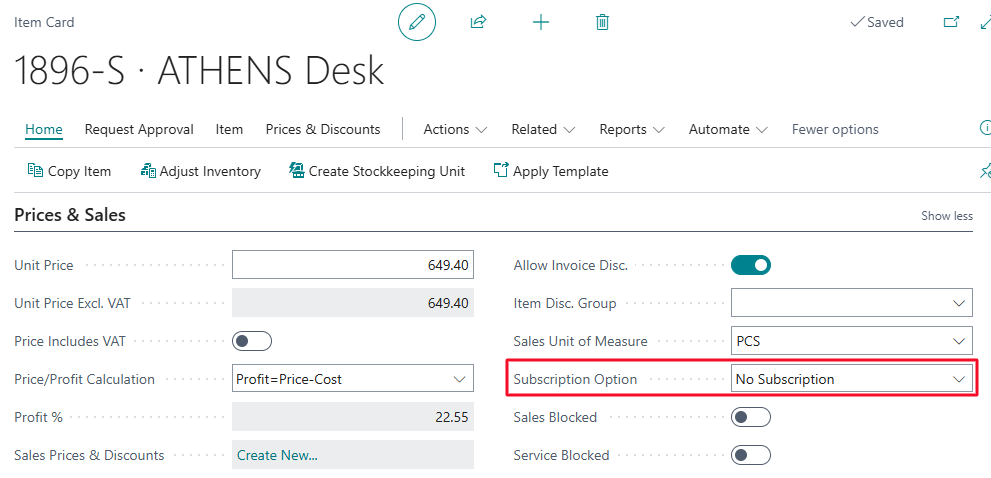
How the Subscription Option Behaves
The item is processed through the usual purchasing and sales documents. It does not create a subscription when delivered, and it is not billed through a subscription contract.
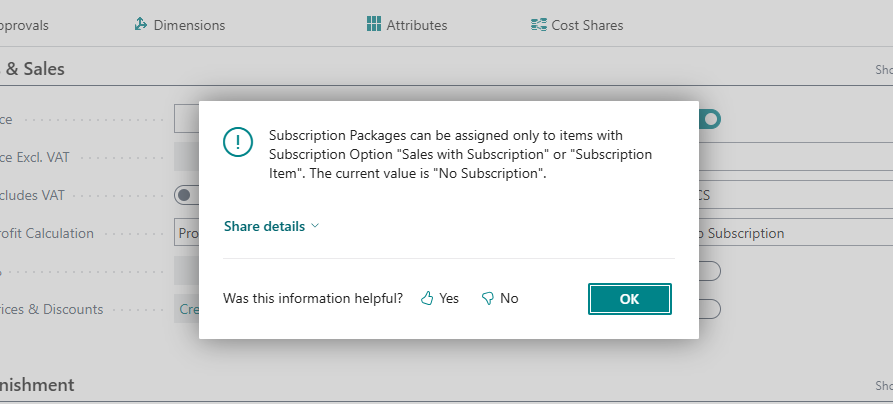
Let’s try to Open the Subscription Package for this kind of Item:
Now let’s try to add this Item directly on Customer Subscription Contract:
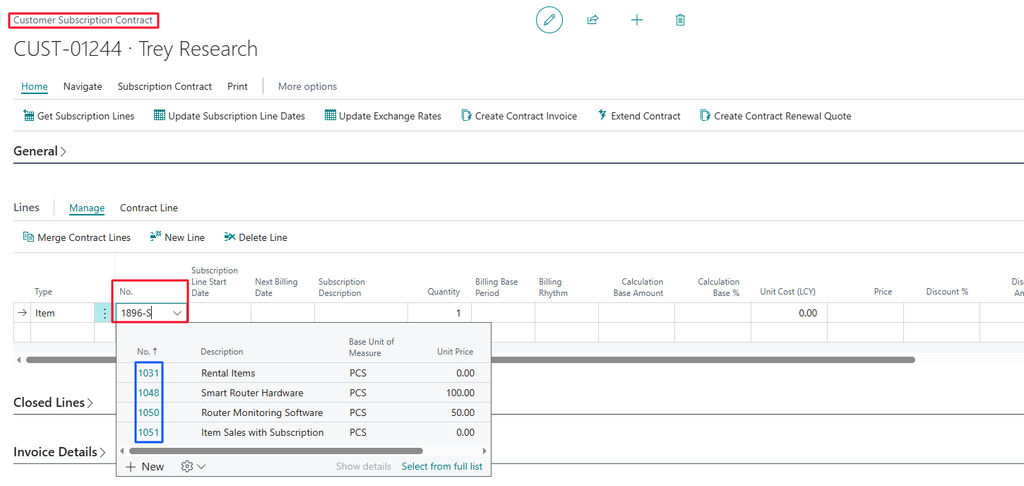
So now you can see that Item is not even suggesting in the Drop-down.
Related Processes
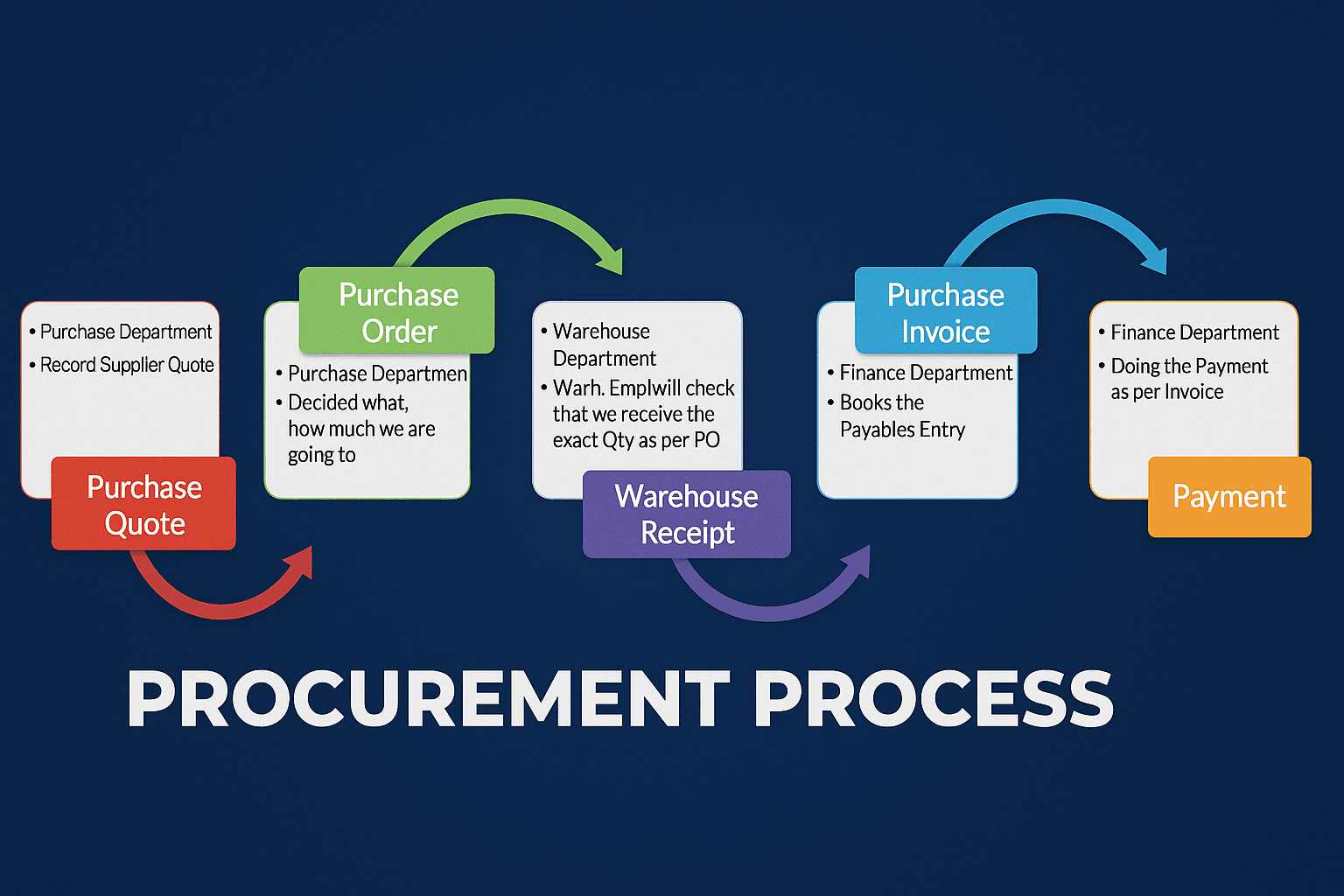
For an overview of the standard purchasing and sales flows, see these articles:
- Procure to Pay: https://ahmad365.com/procure-to-pay-process/
- Order to Cash: https://ahmad365.com/order-to-cash-cycle/
Hope so this is Helpful 😃